

Summary
Workflow automation software connects your tools and runs rule-based actions in the background, replacing manual steps like notifications, record updates, and task creation with a simple trigger-action flow.
You can start without code: visual builders and templates let teams launch simple automations first, then add conditions, approvals, and multi-step workflows as needs become more complex.
Best results come from automating repetitive, rules-based work first, then monitoring, testing, and refining it so over-automation, bad data, and broken integrations do not create new bottlenecks.
Every day, professionals lose countless hours to repetitive tasks. Copying data between tools, sending follow-up emails, updating spreadsheets, the list goes on. These manual processes drain energy and pull focus away from meaningful work.
Workflow automation software solves this problem by automating repetitive tasks. It connects your tools, triggers actions based on rules you define, and keeps work moving without constant manual input. For busy teams juggling multiple projects and scattered tools, automation isn't just convenient; it's essential.
This guide explains what is workflow automation software, how it works, and why teams across industries are adopting it to save time and improve efficiency.
What Is Workflow Automation Software?
Workflow automation software is a digital tool that executes repetitive tasks and processes automatically based on predefined rules or triggers. Instead of manually moving data, sending notifications, or updating records, the software handles these actions in the background.
At its core, workflow automation follows a simple logic: "when X happens, do Y." For example, when a form is submitted, create a task in your project management tool and notify the team via Slack. This trigger-action framework eliminates manual handoffs and keeps work flowing smoothly.
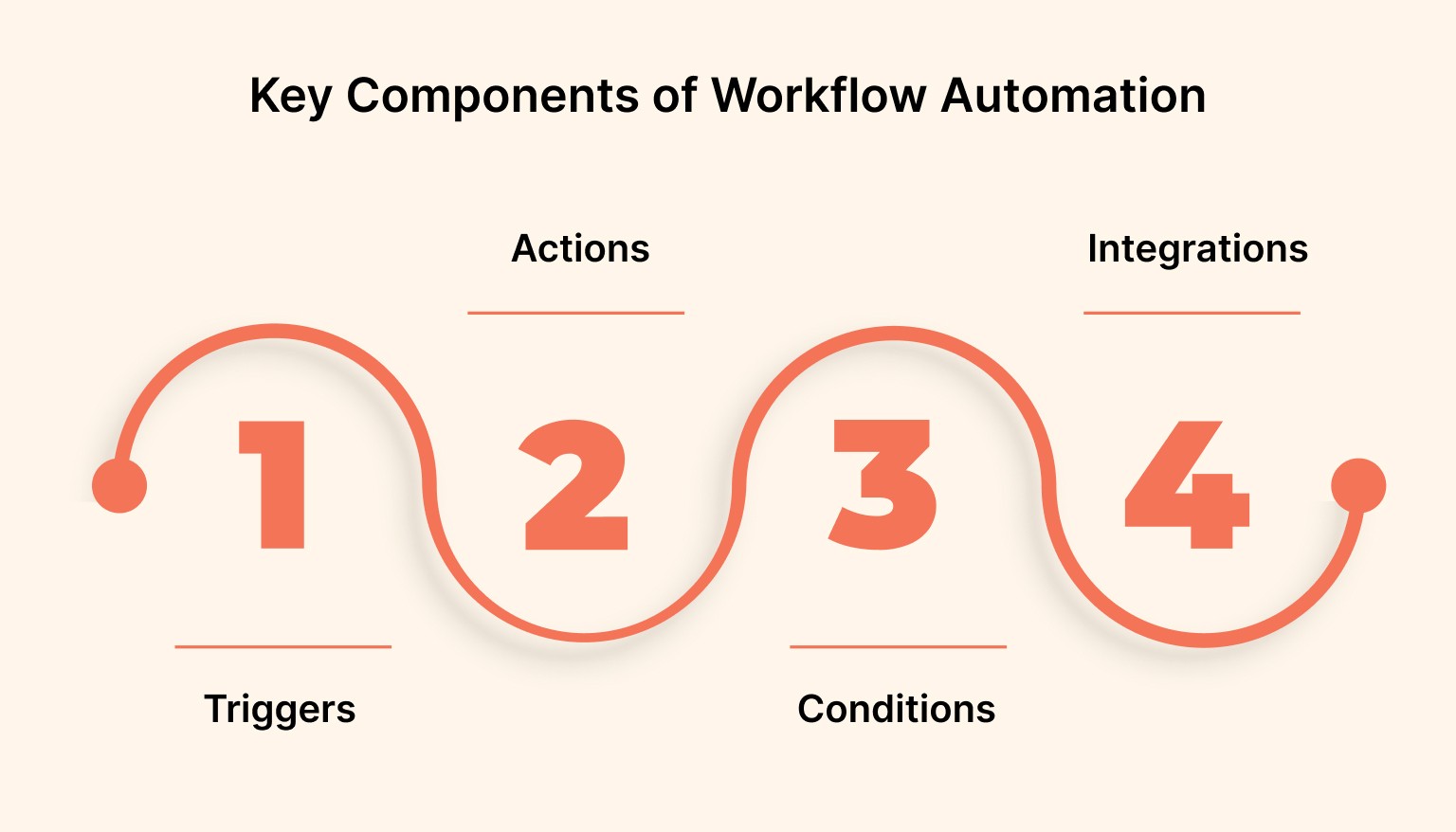
Key Components of Workflow Automation
Understanding what is workflow automation software requires looking at its essential parts:
Triggers: Events that start the workflow, such as receiving an email, completing a task, or reaching a deadline.
Actions: The automated steps that follow a trigger, like creating tasks, sending notifications, or updating databases.
Conditions: Rules that determine whether an action should execute, such as "if priority is high" or "if assigned to the sales team."
Integrations: Connections between different apps and platforms that allow data to flow seamlessly without manual input.
Modern workflow automation platforms combine these elements into visual builders that let users design custom workflows without writing code.
Must Read: Getting Things Done in 5 Steps: The Secret to Mastering Your Workflow
How Workflow Automation Software Works
Workflow automation software monitors your tools and executes predefined actions when specific conditions are met. The process typically follows these steps:
Connect Your Tools: Link the apps you use daily, such as email, project management platforms, calendars, and communication tools.
Define Triggers: Specify the event that starts the automation, such as a new email arrival or task completion.
Set Actions: Determine what happens next, whether creating a calendar event, sending a message, or updating a spreadsheet.
Apply Conditions: Add logic to control when actions execute, ensuring workflows only run under the right circumstances.
Monitor and Refine: Track workflow performance and adjust rules as your processes evolve.
The beauty of workflow automation lies in its flexibility. Teams can start with simple automations, such as auto-routing incoming emails and gradually build more complex workflows as they identify additional opportunities to eliminate manual work. These might include multi-step approval pipelines, or proposal automation processes. Businesses often turn to custom AI development to create more advanced use cases, intelligent workflows that can make decisions, process unstructured data, and continuously improve over time.
Also Read: Top Apps for Productivity Every Developer Should Use
Types of Workflow Automation Software
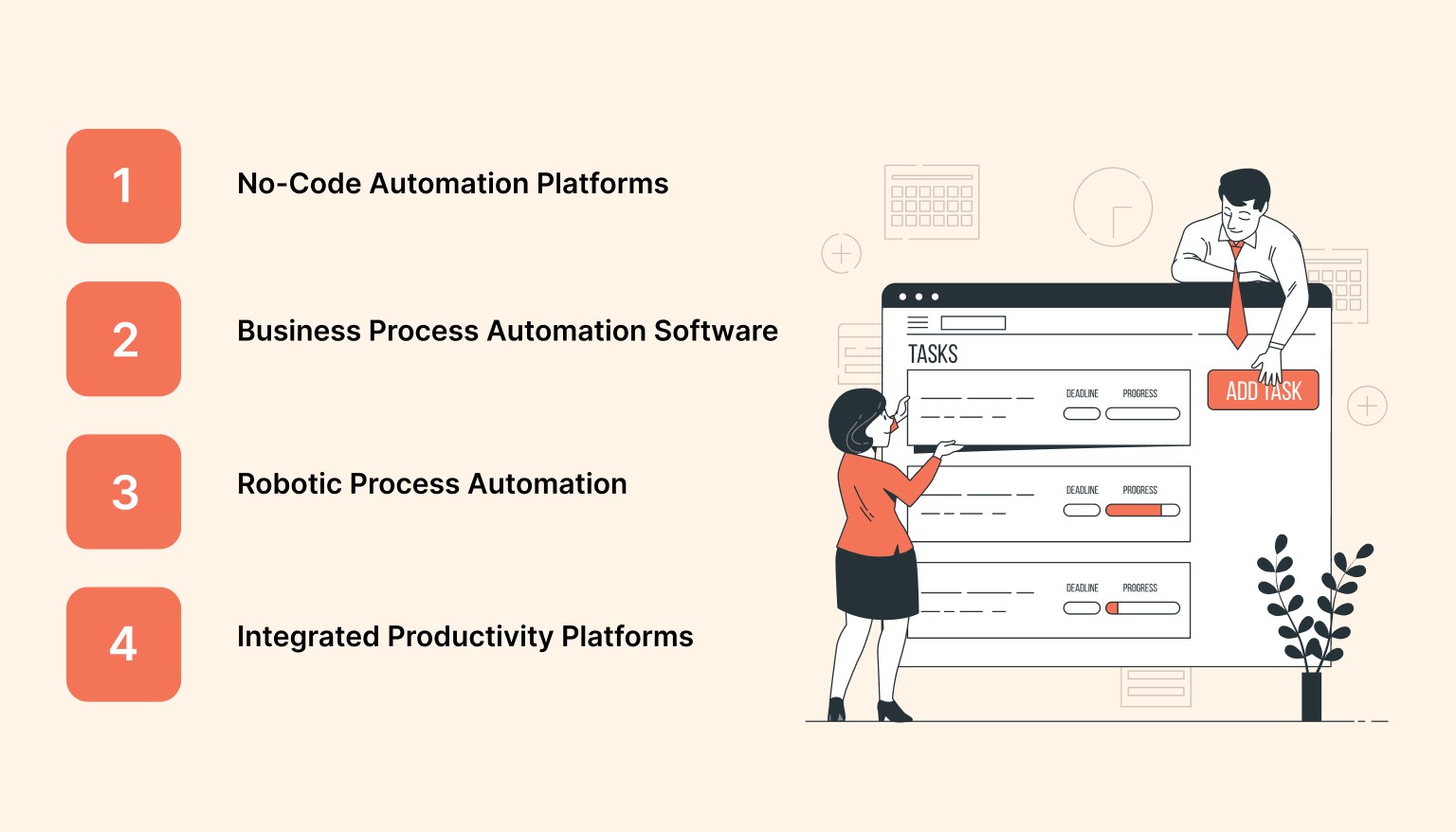
Not all workflow automation platforms serve the same purpose. Teams choose different tools based on their specific needs and technical capabilities.
No-Code Automation Platforms
These tools allow users to build workflows through visual interfaces without programming knowledge. Popular examples include Pave, Zapier, Make (formerly Integromat), and IFTTT. They're ideal for teams that need quick setup and broad integration support
Business Process Automation (BPA) Software
BPA platforms focus on streamlining complex organizational processes across departments. They often include advanced features like approval chains, document management, and compliance tracking. These tools suit larger organizations with structured workflows.
Robotic Process Automation (RPA)
RPA software mimics human actions within digital systems, such as copying data from one application to another. Unlike standard automation, RPA can work with legacy systems that lack modern APIs, making it useful for teams working with older infrastructure.
Integrated Productivity Platforms
Modern productivity tools increasingly include built-in automation features. Platforms that centralize tasks, calendars, and communication often offer native automation capabilities, reducing the need for separate tools.
Understanding what is workflow automation software is across these categories helps teams select solutions that align with their technical requirements and workflow complexity.
Must Read: Top Workflow Management Tools for Productivity in 2026
Key Benefits of Workflow Automation Software
Implementing workflow automation delivers measurable improvements across multiple dimensions of team performance.
Time Savings
Automating repetitive steps can free time for strategy, creative work, and problem-solving. Measure the time saved in your own workflow, including the effort needed to review exceptions and maintain the automation.
Reduced Errors
Manual data entry introduces mistakes. Automation ensures consistency by executing tasks consistently every time. This reliability is especially critical for processes involving customer data, financial records, or compliance documentation.
Improved Collaboration
When workflows automatically route tasks to the right people at the right time, teams spend less energy on coordination and more on execution. Notifications keep everyone informed without endless status meetings.
Scalability
As organizations grow, manual processes become bottlenecks. Workflow automation software scales effortlessly, handling increased volume without proportional increases in effort or headcount.
Better Resource Allocation
Automation frees team members from low-value tasks, enabling them to tackle work that requires human judgment, creativity, and relationship-building. This shift improves job satisfaction while delivering better business outcomes.
A McKinsey report found that about 60% of occupations could automate at least 30% of their activities with current technology. Teams that embrace workflow automation gain competitive advantages in efficiency and output quality.
Also Read: Best Task Management Tools and Techniques for 2025
Common Use Cases Across Teams
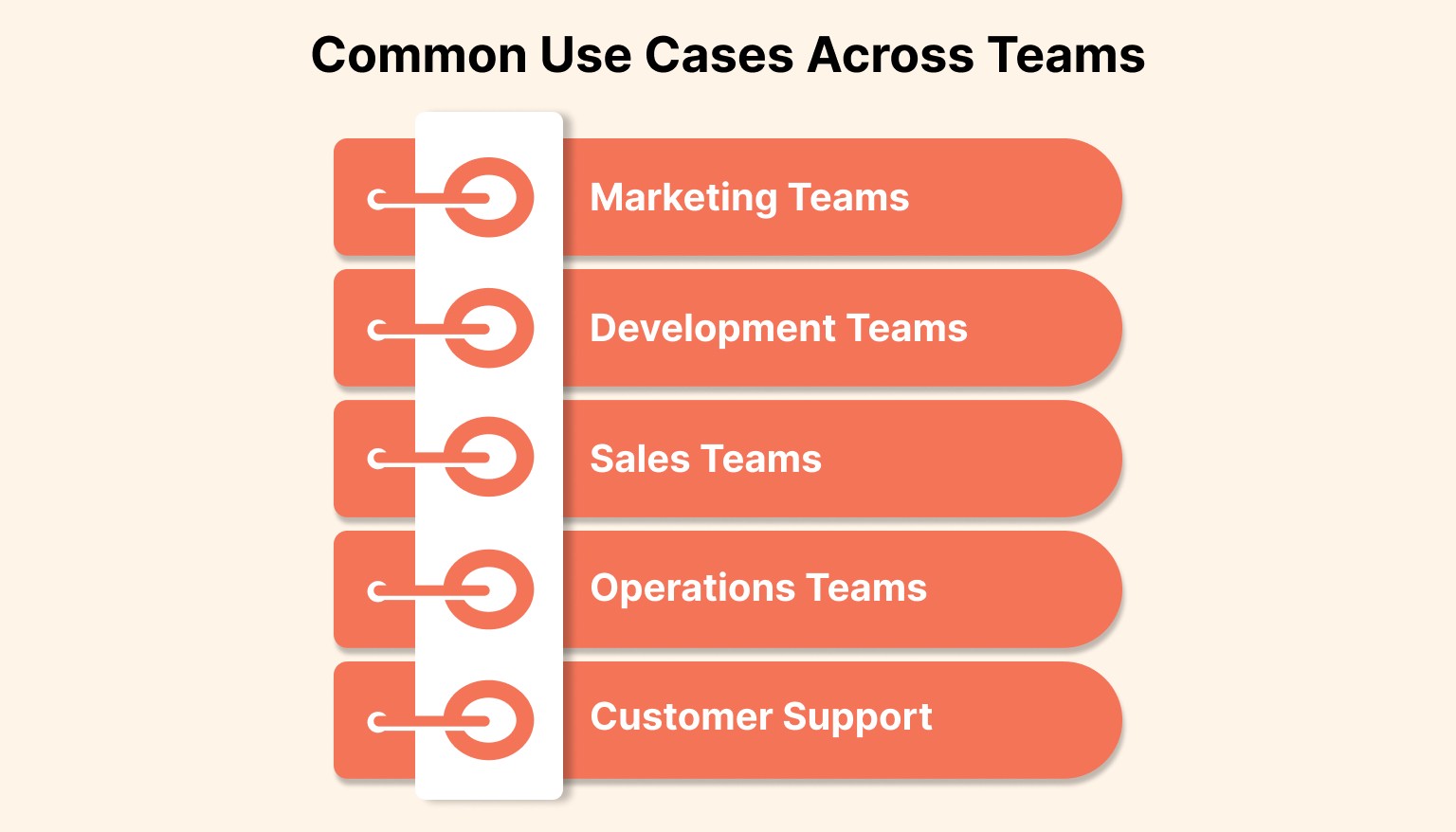
Workflow automation software adapts to diverse professional contexts. Here's how different teams apply automation to solve specific challenges.
Marketing Teams
Marketing departments automate lead nurturing sequences, often leveraging AI agents in marketing to personalize campaigns and optimize engagement. When someone downloads a resource, the system can automatically tag them in the CRM, enroll them in an email sequence through an email automation platform, and notify the sales team.
Development Teams
Developers use workflow automation to trigger code deployments, run continuous automated tests, create tickets from bug reports, and update project boards. These workflows reduce manual handoffs and keep project records up to date.
Sales Teams
Sales automation handles lead assignment, follow-up reminders, proposal generation, and contract routing. By automating administrative tasks, sales professionals spend more time building relationships and closing deals.
Sales teams can automate reminders to review open opportunities and record the next agreed action. Syncing this process with a CRM ensures consistent follow-ups across the entire pipeline
Operations Teams
Operations teams automate onboarding processes, expense approvals, equipment requests, and compliance checklists. These workflows ensure consistency while reducing the manual burden on HR and finance departments.
Customer Support
Support teams automate ticket routing, response templates, escalation procedures, and satisfaction surveys. An AI knowledge base can also surface relevant help articles, past answers, and internal documentation, helping customers and agents resolve issues faster. Teams managing high support volumes often centralise these workflows on a dedicated resolution platform that connects ticket routing, AI agents, and self-service into a single system. This ensures customers receive timely help while support agents focus on complex issues requiring human attention.
Understanding what is workflow automation software in these contexts reveals its versatility. The same principles apply whether you're automating marketing campaigns or internal approvals.
Must Read: The Ultimate Guide to Automatic Scheduling Software in 2025
Essential Features to Look For
Choosing the right workflow automation software requires evaluating features that align with your team's needs and technical capabilities.
Integration Ecosystem
The platform should connect seamlessly with your existing tools. Look for native integrations with your email provider, project management system, communication apps, and any specialized software your team relies on.
Visual Workflow Builder
An intuitive, drag-and-drop interface makes automation accessible to non-technical team members. Complex visual builders often include templates for common workflows, accelerating setup time. While visual workflow builders simplify automation, organizations with complex processes and enterprise-scale operations often need more advanced workflow automation software. These platforms enable end-to-end business process automation with document routing, business rules, integrations, and governance.
Conditional Logic
Advanced workflows require the ability to add "if-then" conditions. The software should support branching paths, delays, filters, and multi-step sequences that execute based on specific criteria.
Error Handling and Monitoring
Reliable automation includes failure notifications and detailed logs. When something goes wrong, you need visibility into what happened and why, plus the ability to retry or adjust workflows quickly.
Scalability and Performance
As your automation needs grow, the platform should handle increased volume without performance degradation. Check whether pricing scales reasonably as you add more workflows and integrations.
Security and Permissions
Workflow automation often involves sensitive data. Review the platform's encryption, access controls, data-retention settings, and documented security practices before connecting it to company systems. Give each workflow only the permissions it needs.
Teams that carefully evaluate these features find workflow automation software that grows with their needs rather than constraining their processes.
Also Read: Best Productivity Calendar Apps of 2026: Why Task Integration Matters
Implementing Workflow Automation in Your Team
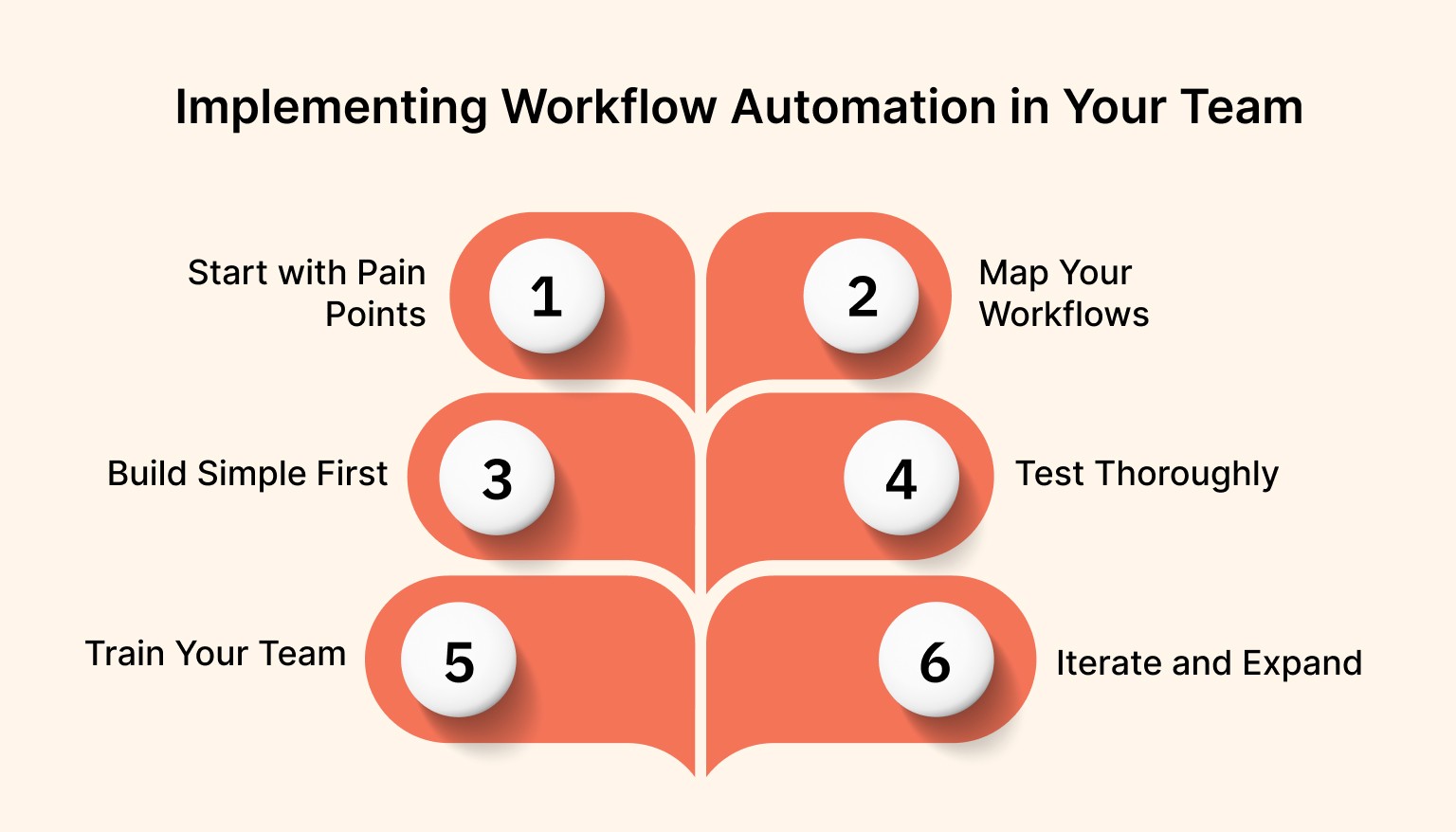
Successful automation requires thoughtful planning and gradual adoption. Here's a practical approach to implementation.
Start with Pain Points
Identify the repetitive tasks that consume the most time or cause the most friction. These become your first automation candidates. Common starting points include email notifications, data entry between systems, and routine status updates.
Map Your Workflows
Document the current process step by step before automating. This clarity ensures your automation accurately reflects the desired workflow and helps identify opportunities for improvement.
Build Simple First
Begin with straightforward automations that deliver quick wins. A simple workflow that saves 30 minutes per week builds momentum and demonstrates value to stakeholders.
Test Thoroughly
Initially, run automated workflows in parallel with manual processes. This safety net catches issues before they affect critical operations and gives team members confidence in the automation.
Train Your Team
Ensure everyone understands how the automation works, what triggers it, and what to do if something goes wrong. Create documentation for each workflow and designate automation champions within the team.
Iterate and Expand
As team members become comfortable with automation, gradually expand to more complex workflows. Regular review sessions help identify new automation opportunities and refine existing processes.
Organizations implementing workflow automation software should expect an adjustment period. The goal isn't an overnight transformation but steady progress toward more efficient operations.
Workflow Automation and Productivity Tools
Understanding what is workflow automation software becomes clearer when you see how it integrates with productivity platforms. Modern productivity tools increasingly include automation features that reduce the need for separate specialized software.
Tools that centralize tasks, calendars, and communication can automate routine workflows within their ecosystem. For example, automatically creating time-blocked calendar events when tasks are assigned, or generating daily summaries of completed work.
This integrated approach offers several advantages. Teams manage fewer tools, reducing subscription costs and technical complexity. Data stays synchronized naturally because everything lives in one platform. And automation setup becomes more intuitive when you're working within a familiar interface.
A productivity tool like Akiflow exemplifies this integration by bringing together tasks from multiple sources and allowing users to automate their scheduling and prioritization workflows. When emails, chat messages, and project management tasks flow into a unified inbox, automation can route them appropriately without complex integrations.
The trend toward all-in-one productivity platforms with built-in automation reflects a broader shift. Teams increasingly prefer solutions that reduce tool sprawl while still offering the flexibility to customize workflows.
Must Read: Best Free & Paid To-Do List Apps of 2025 (Full Comparison)
Overcoming Common Automation Challenges
While workflow automation delivers significant benefits, teams often encounter obstacles during implementation. Here's how to address common challenges.
Over-Automation
Automating everything isn't always better. Some tasks benefit from human judgment and flexibility. The key is identifying processes that are genuinely repetitive and rules-based rather than automating workflows that require contextual decision-making.
Maintenance Requirements
Automated workflows need ongoing attention. As tools update, APIs change, and business processes evolve, automations may break or become outdated. Schedule regular reviews to ensure workflows remain functional and relevant.
Change Resistance
Team members accustomed to manual processes may resist automation, especially if they fear job displacement. Address this by clearly communicating how automation enhances their work rather than replacing it. Focus on how freed-up time enables higher-value contributions.
Integration Limitations
Not all tools offer robust APIs or integration options. When critical systems can't connect, automation becomes difficult or impossible. In these cases, teams may need to advocate for better tools or use intermediary solutions, such as API connectors.
Data Quality Issues
Automation amplifies existing data problems. If your source data is inconsistent or incomplete, automated workflows will propagate these issues at scale. Address data quality before implementing automation to prevent compounding problems.
Successfully implementing workflow automation software requires acknowledging these challenges and planning proactively to mitigate them.
Also Read: 2025 Guide: Time Management Tools and Techniques for Busy Professionals
Conclusion
Workflow automation software transforms how teams operate by eliminating repetitive manual tasks and connecting scattered tools into cohesive processes. The benefits are clear: saved time, fewer errors, better collaboration, and the ability to scale operations efficiently.
Whether you're a small team drowning in administrative work or a large organization seeking operational efficiency, automation offers a path forward. Start with simple workflows that address immediate pain points, then gradually expand as your team gains confidence.
The teams that thrive in modern work environments are those that leverage technology to automate routine tasks, freeing human talent for the creative, strategic, and interpersonal challenges that drive real business value.
Ready to streamline your workflow and reclaim hours every week? Try Akiflow today and discover how task centralization and smart automation can transform your productivity.
Frequently Asked Questions
What should you use workflow automation software for day to day?
Use it for repetitive work that follows a clear rule: moving data between tools, sending follow-up messages, updating records, routing requests, and kicking off approvals. When something happens, the next step runs automatically in the background. That cuts manual handoffs and keeps work moving across the systems your team already depends on.
How does a workflow actually run from trigger to action?
Most setups follow the same path: connect the apps you use, choose the event that starts the workflow, define the next actions, add conditions, and then monitor results. In practice, that can mean a submitted form creates a task, posts a message, or updates a spreadsheet only when the right criteria are met.
Do you need coding skills to get started?
Usually, no. Many platforms use visual builders and templates, so non-technical teammates can create straightforward workflows themselves. Coding becomes relevant when you want advanced or custom behavior, but it is optional for the common cases described here, especially when you are starting with simple trigger-and-action flows and building confidence first.
Which type fits your team: no-code, BPA, RPA, or built-in automation?
Choose based on process complexity and the systems you need to connect. No-code tools suit fast setup and broad integrations. BPA software fits larger, structured workflows with approvals, documents, and compliance. RPA makes sense when you must work with legacy systems that lack modern APIs. Built-in automation inside productivity platforms helps when you want fewer separate tools and naturally synchronized data.
What should you watch before automating more of your work?
Check whether the work is truly repetitive and rules-based, whether your source data is clean, and whether your integrations are reliable. Plan for maintenance, because workflows can break as tools and processes change. Also avoid giving automations broader access than they need, and keep human judgment in the loop where context still matters.


