Your task list called.
It wants an AI calendar.
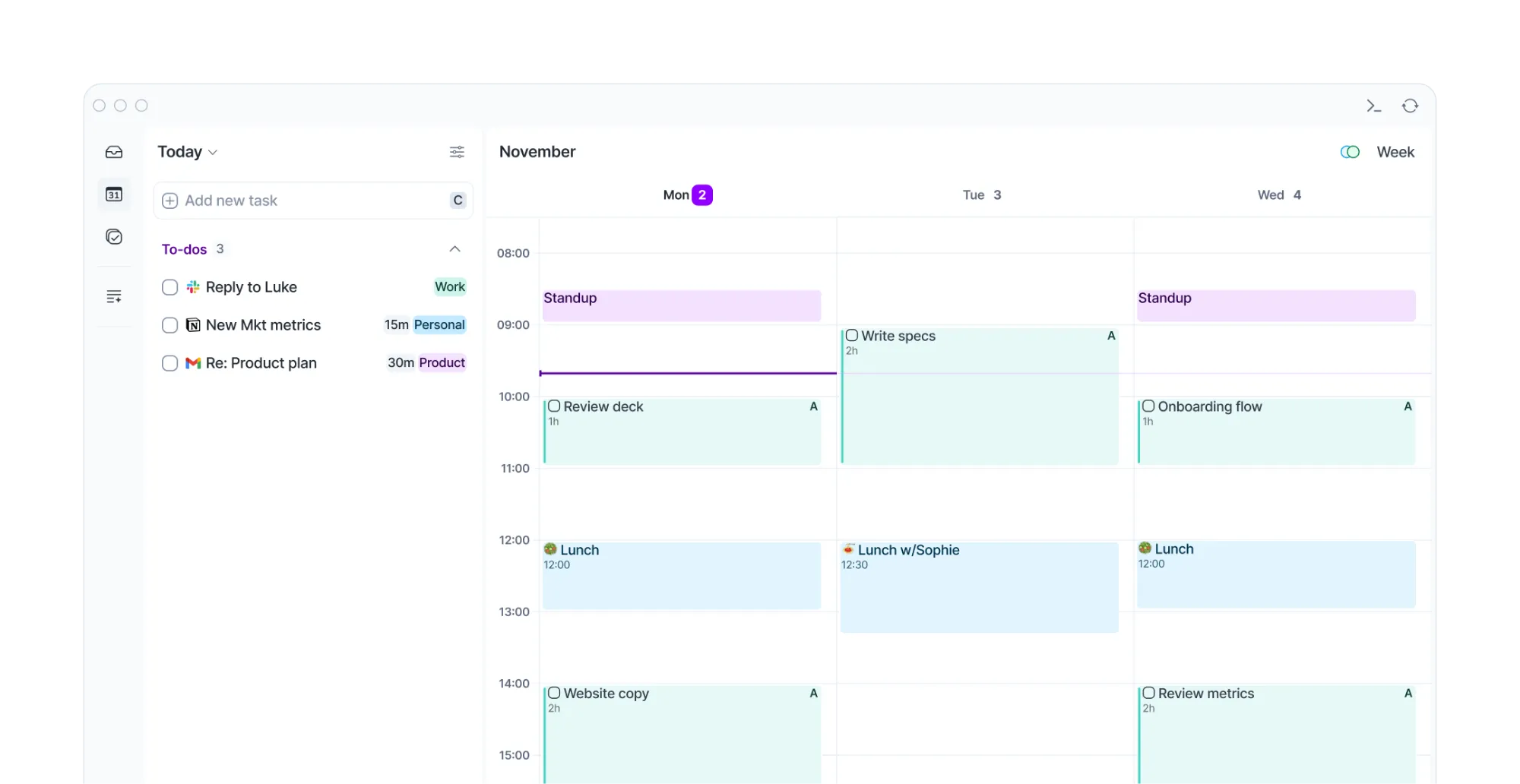
Akiflow transforms to-dos into a schedule that actually gets done.

- Designed in Italy
- Backed by Y Combinator

Trusted by 10.000+ of ambitious professionals and teams worldwide — from companies like





Bring every task into one place
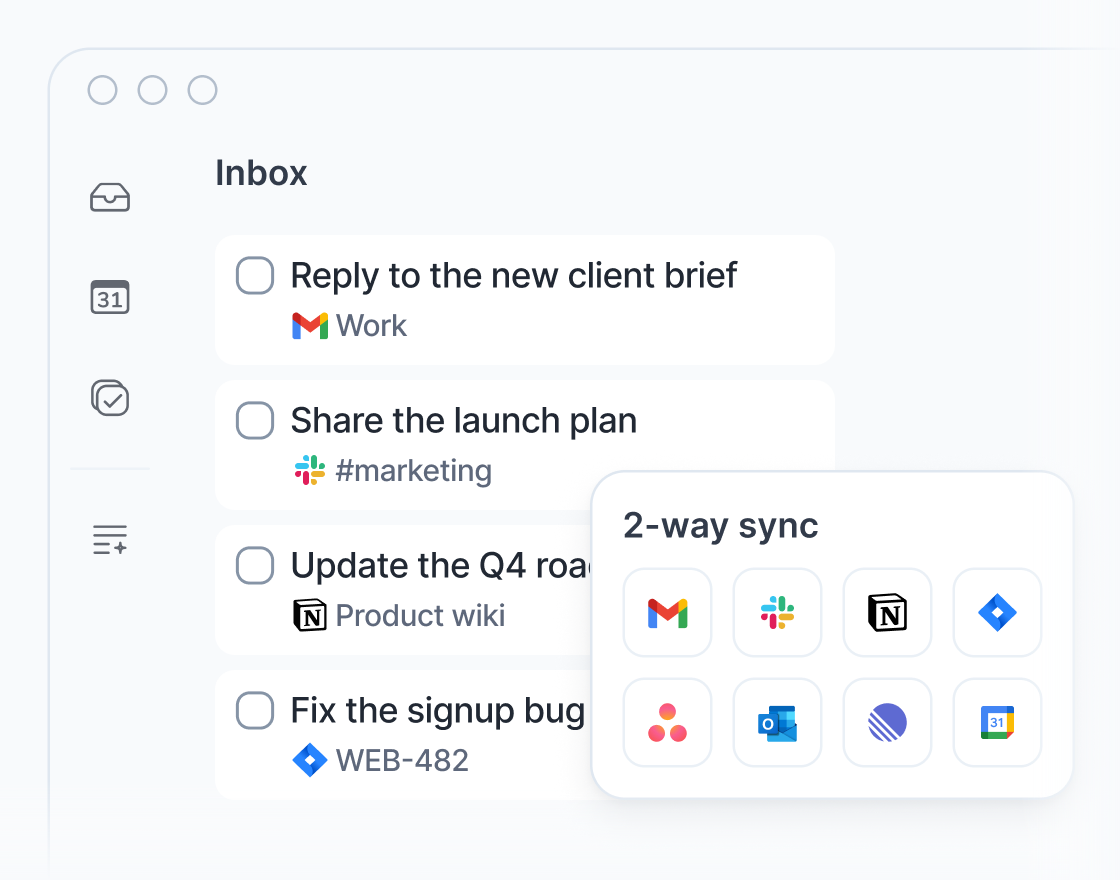
Save hours every day by bringing tasks from every app into your Universal Inbox.
-
Integrate tasks from all your apps
-
Plan directly
from your AI tool -
Turn Slack and email into tasks
-
Capture links with the Command Bar
7 days free with Aki. Cancel anytime.
Organize everything
Sort, filter, prioritize and set deadlines, so your priorities always stay on top.
-
Deadlines with helpful nudges
-
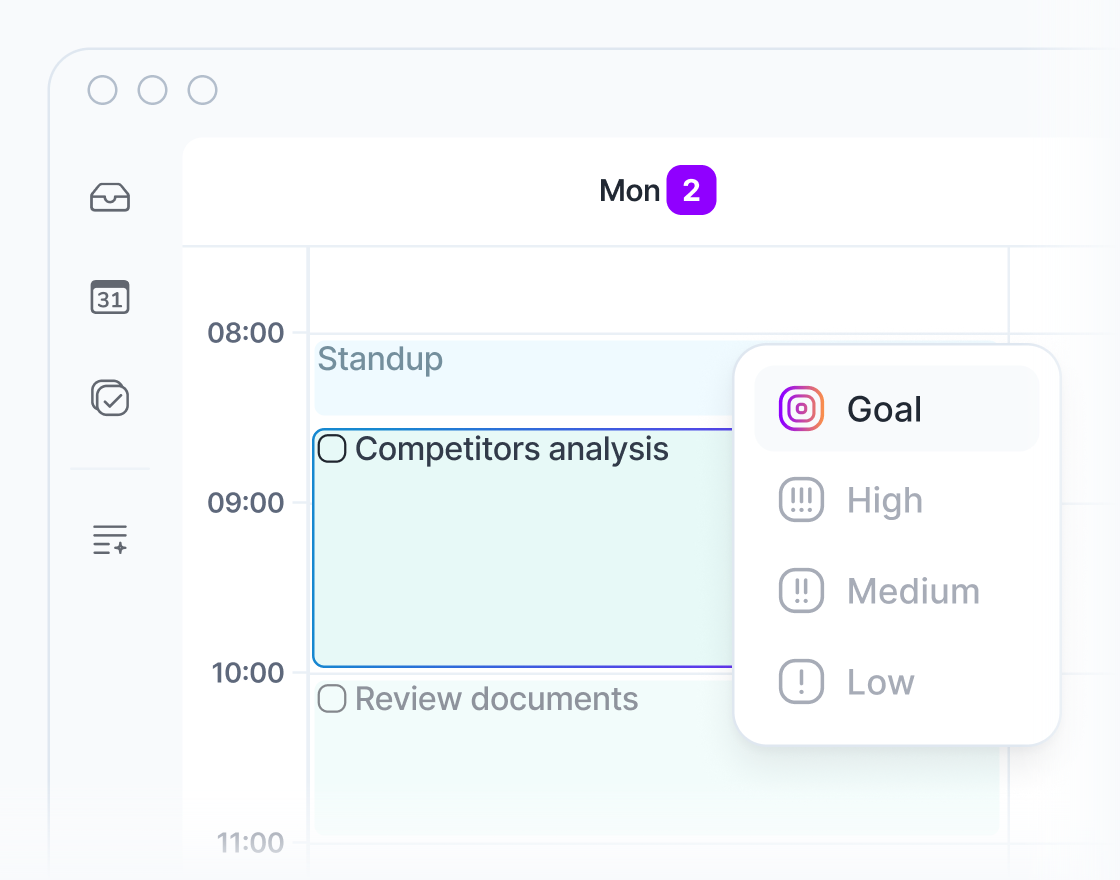
Set goals and priorities
-
Organize into subtasks
-
Sort by project, date, priority
7 days free with Aki. Cancel anytime.
Work at the speed of thought
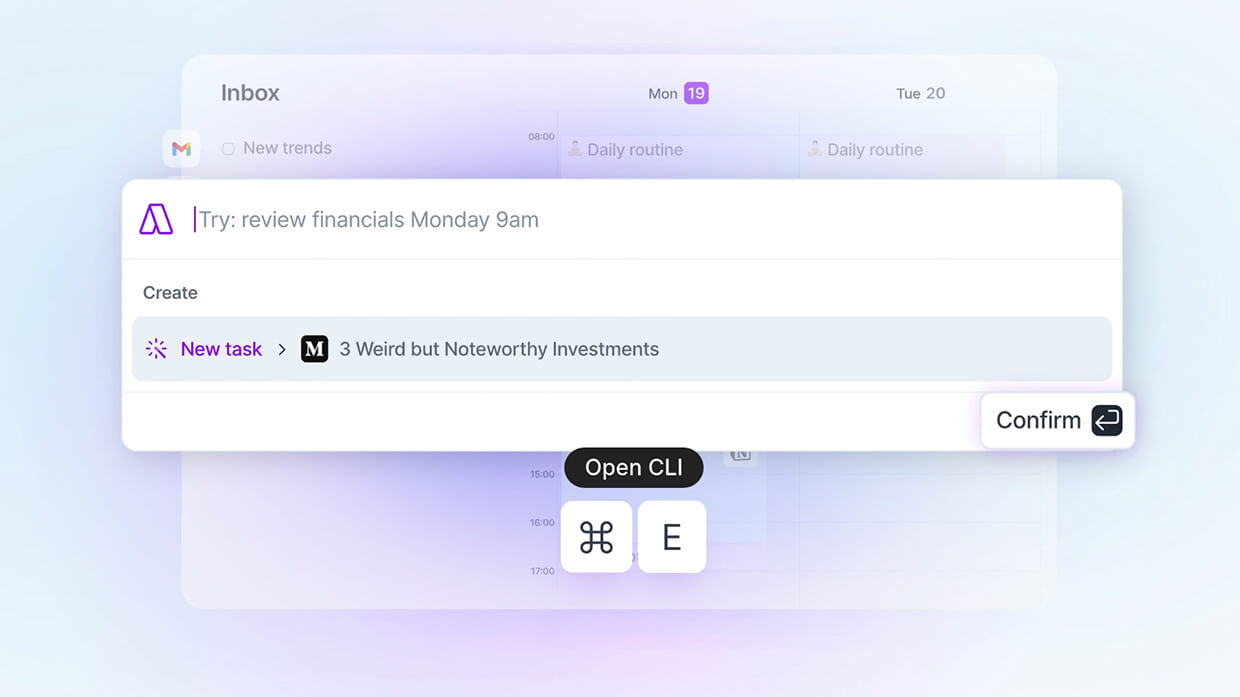
Quick capture
Natural language
Fast Scheduling
Use your voice
Turn your list into a realistic schedule
Block time, repeat tasks automatically and color-code your week to build habits and hit your goals.
-
Block & style time on your calendar
-
Recurring tasks on the calendar
-
Plan by timeframe
day • week • month -
Custom Rituals
daily & weekly
7 days free with Aki. Cancel anytime.
Let your assistant handle the admin
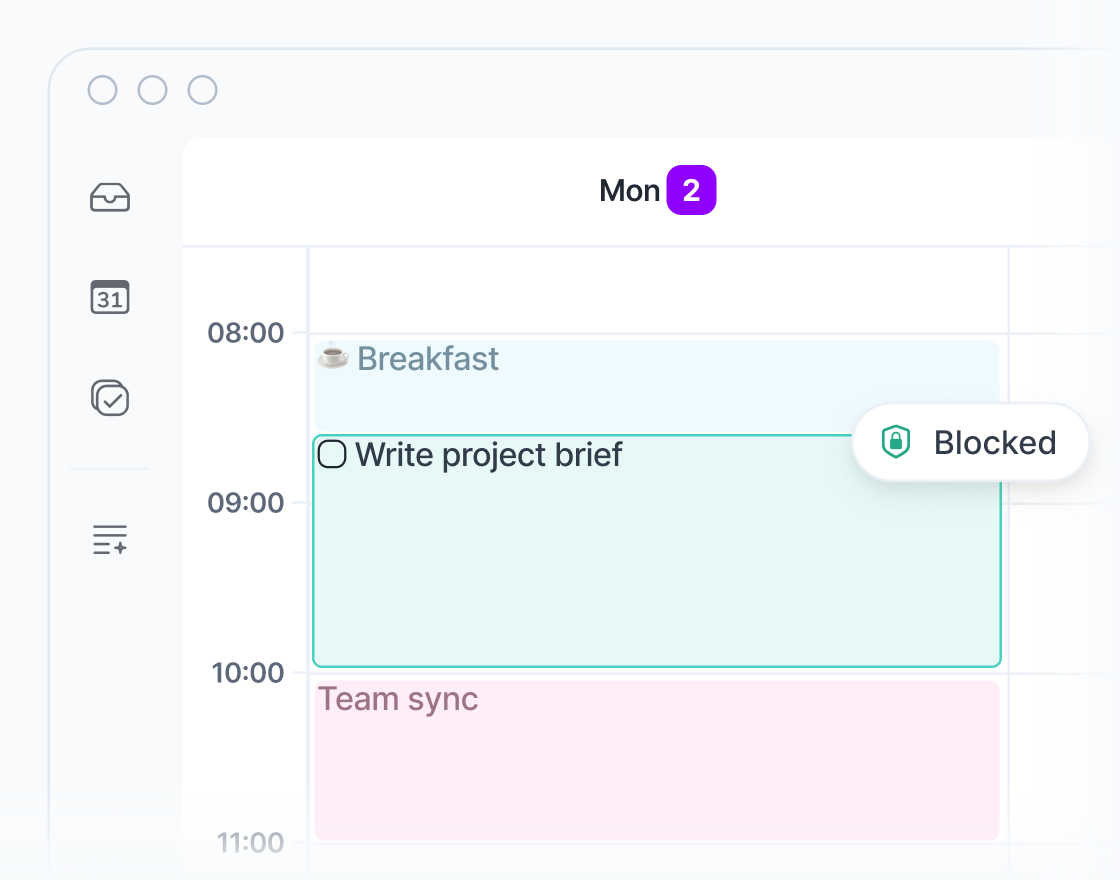
Aki, your AI assistant, captures and sorts your tasks for you.
-
Auto-assign to the right project
-
Plan directly
from your AI tool -
CC Aki in email to create tasks
-
WhatsApp Aki to add tasks
7 days free with Aki. Cancel anytime.
Work deeply. Track progress. Stay in control.
Protect your time and build focus and momentum that lasts.
-
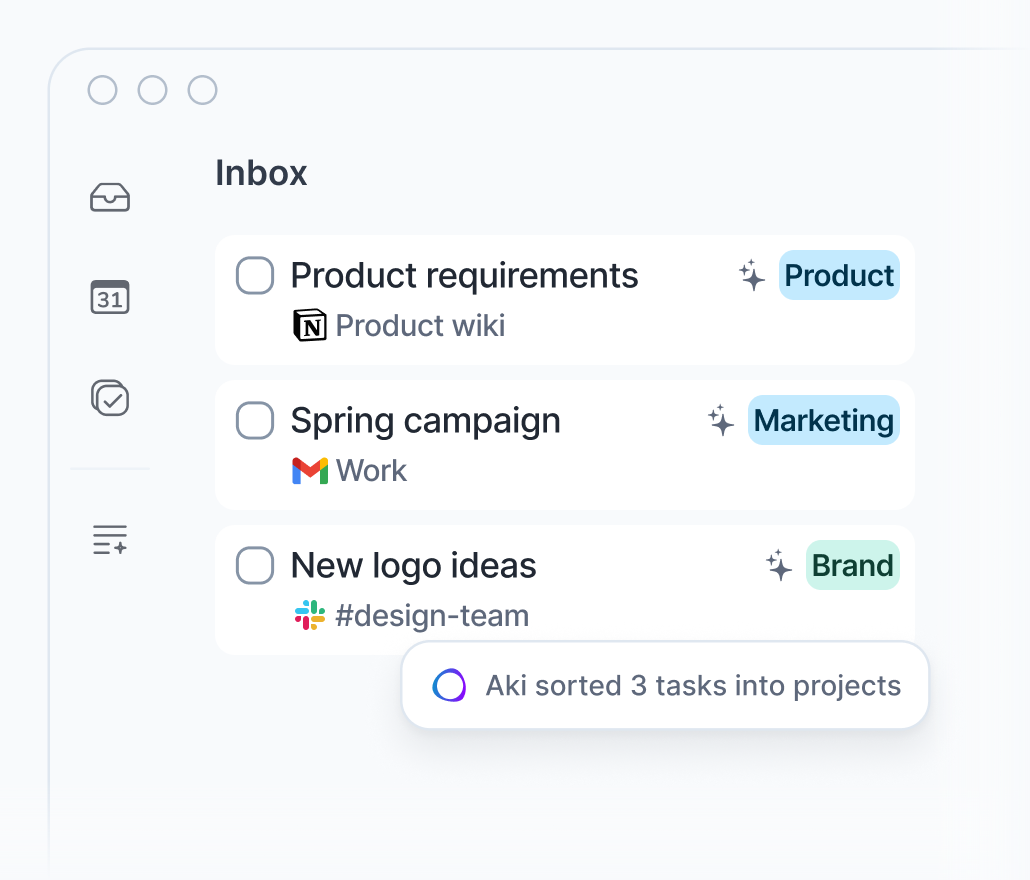
Protect your time.
Lock on Calendar. -
Clear the noise.
Enter Focus mode. -
Stay in the flow
with the Focus Timer -
Check your Stats
streaks, planned, done
7 days free with Aki. Cancel anytime.
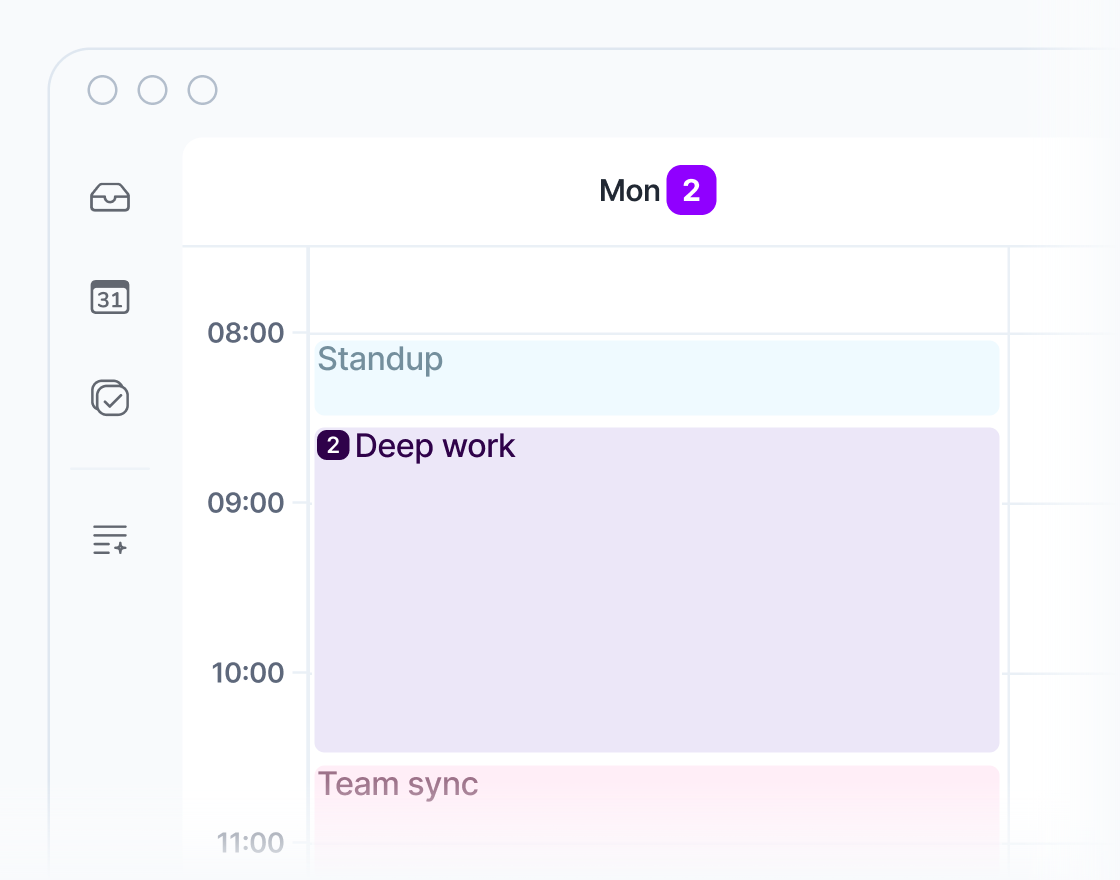
A Productivity Tool Box
Focus Time
Goals
Focus Mode
Privacy
Daily Rituals
Offline Mode
Dark Mode
Shortcuts
7 days free with Aki. Cancel anytime.
It's not just about the app
-
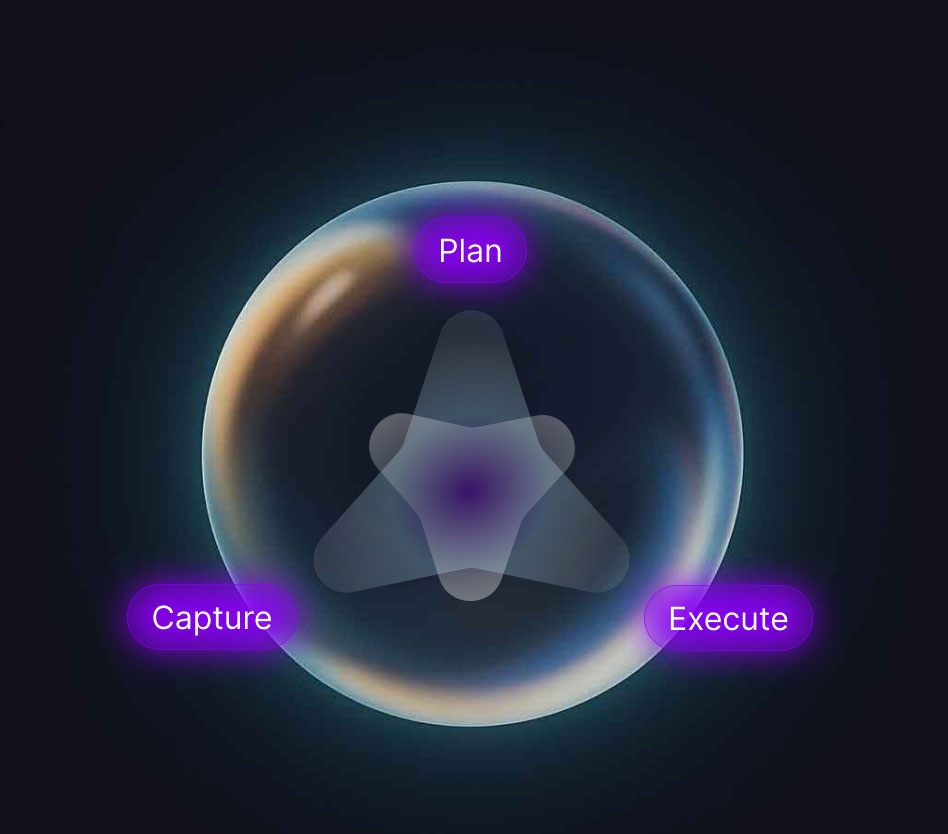
Science-based Methodology
Capture, plan and execute: a simple daily routine grounded in productivity research.
-
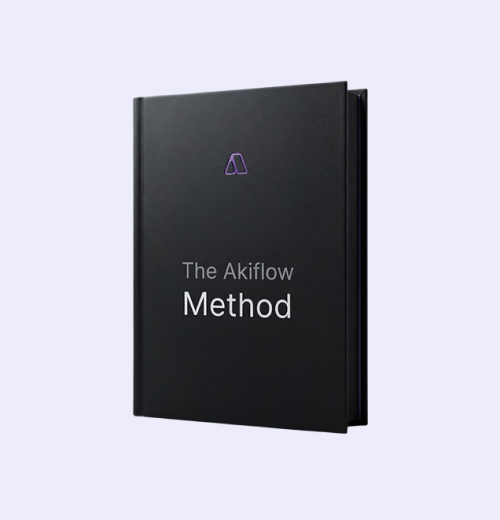
Book
The Akiflow Method, the ideas behind the app.
-
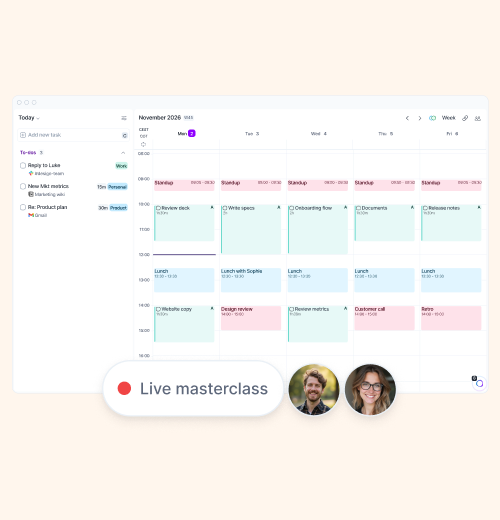
Masterclass
Live sessions where our team shows how to plan a calm, focused week.
-
Community
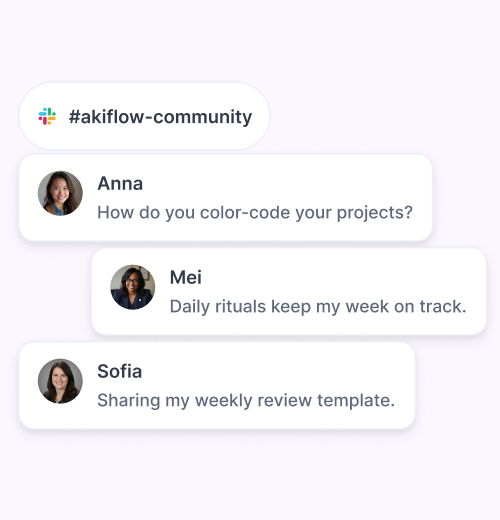
Swap tips, rituals and templates with other Akiflow users on Slack.
Boost your productivity
Start organizing with next-level efficiency
7 days free with Aki. Cancel anytime.