Akiflow vs ClickUp Comparison: A Side-by-Side Look at Pricing, Planning, and More

6


The way you manage your time shapes everything about your workday. Whether you're planning a client project, writing code, or sorting through a crowded inbox, the right productivity tool can make the difference between feeling in control and constantly playing catch-up.
Akiflow and ClickUp are two tools built to help you get organized, but they serve very different needs. If you're deciding between the two, this comparison blog will help. We'll break down their key differences across task management, scheduling, collaboration, and pricing, so you can choose the tool that fits the way you actually work.
Core Purpose and Ideal Users
Akiflow and ClickUp serve different work styles, from solo focus to team coordination. Here's how their core design philosophies shape the way you plan.
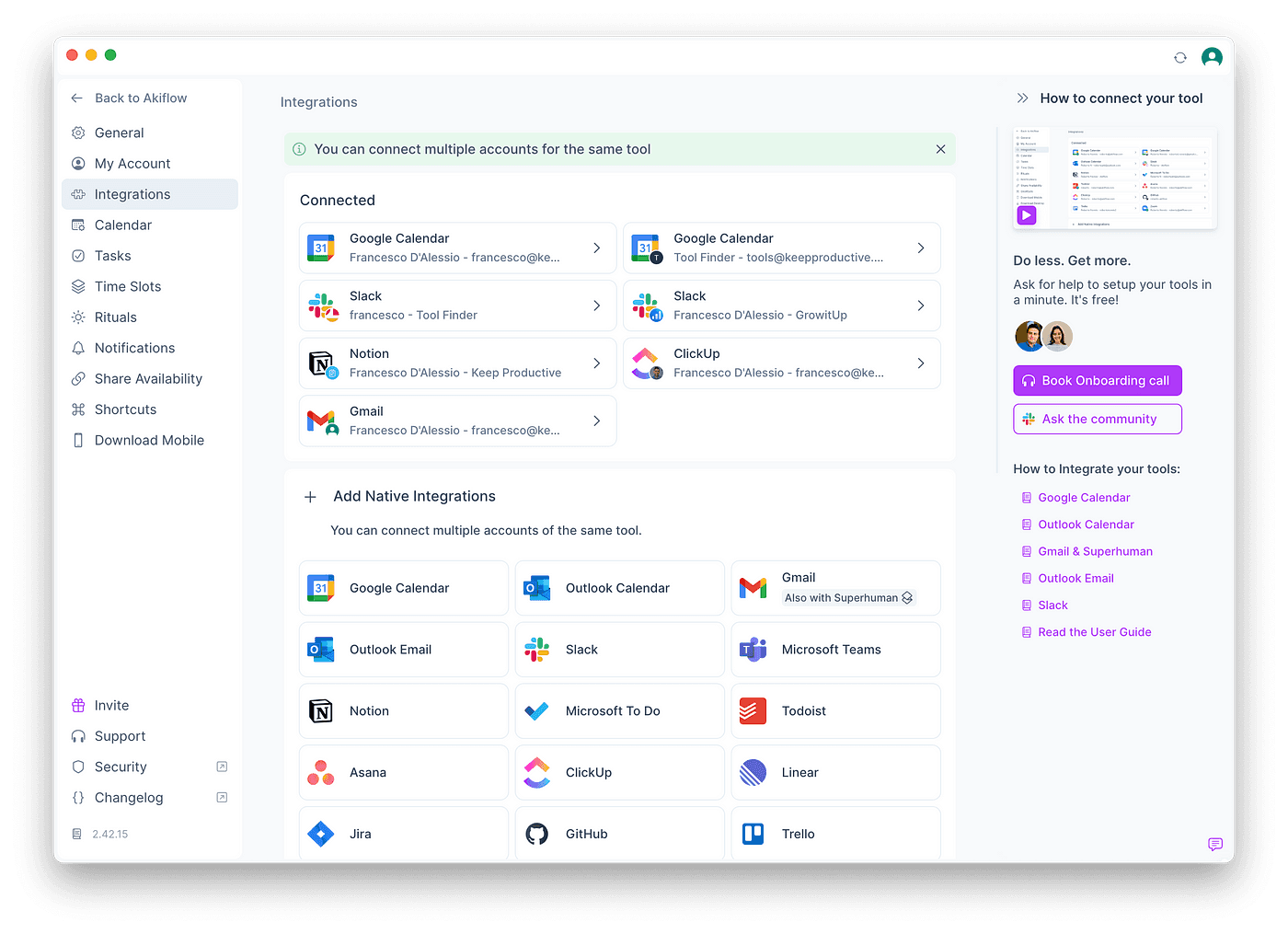
Primary focus: Streamlining personal productivity by turning tasks into scheduled time
Best for: Individuals who plan independently and want clarity over their schedule
Workflow style: Lightweight, calendar-driven, focused on daily execution
Ideal users: Freelancers, consultants, founders, solo operators
ClickUp
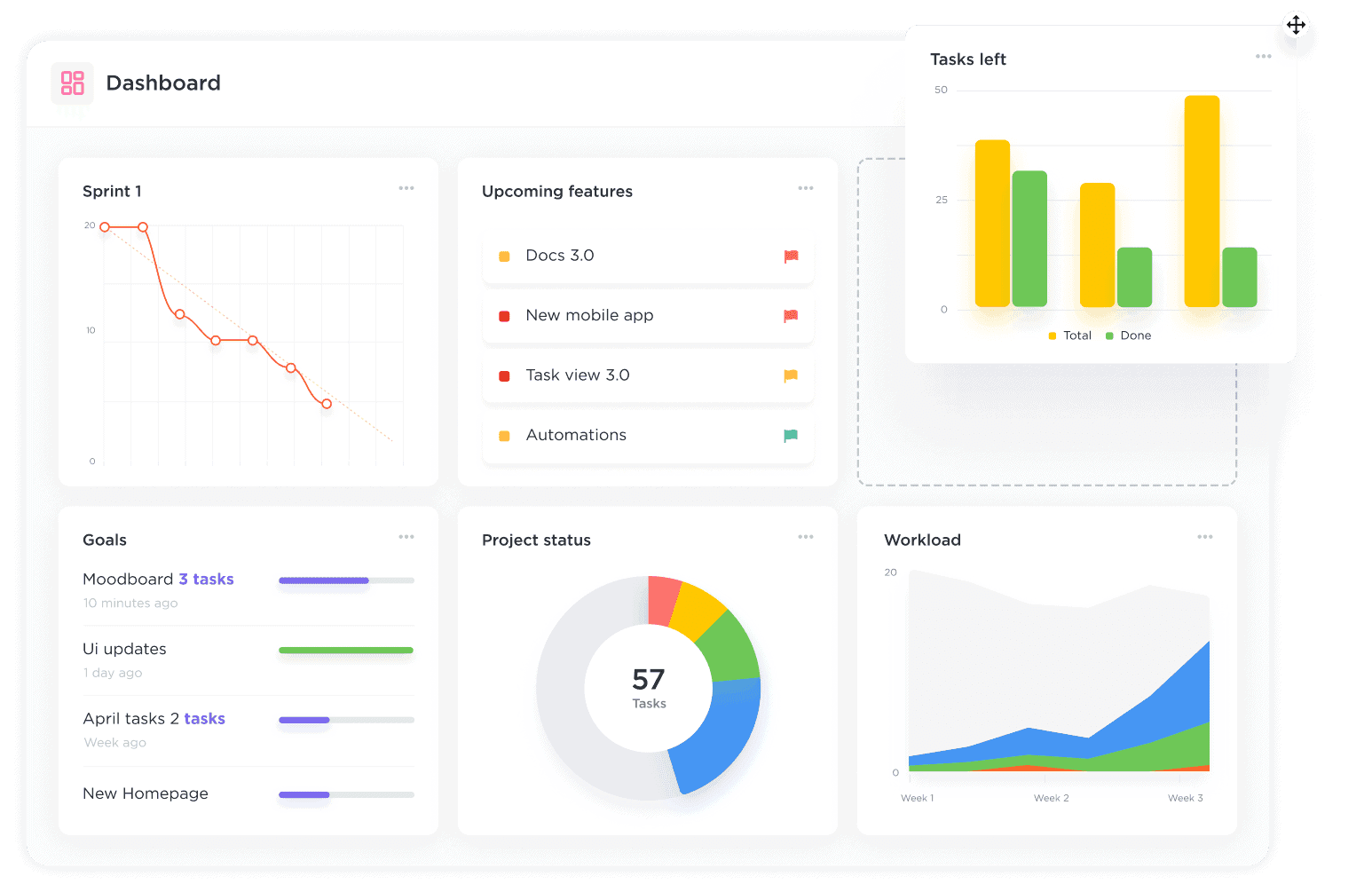
Primary focus: Coordinating work across teams, projects, and timelines
Best for: Teams managing complex workflows and needing shared visibility
Workflow style: Structured, multi-layered, optimized for cross-functional collaboration
Ideal users: Project managers, agency teams, product squads, operations leaders
Task and Time Management Capabilities
How each tool handles tasks, scheduling, and daily planning affects how clearly you see your day and how easily you stay on track.
Feature | ClickUp | |
Task Capture | Unified inbox with integrations for Slack, Gmail, Notion, and more | Custom task setup with fields, tags, checklists, and more |
Scheduling Approach | Built around calendar planning, drag-and-drop into… | Assigns tasks by dates and timelines, with broader… |
Flexibility | Easily adjust plans throughout the day as priorities… | Switch between multiple views to adapt planning by… |
Use Case Example | Block off time in your calendar for deep work sessions… | Assign a multi-step campaign task across departments… |
AI Calendar | Yes, Copilot and Autopilot | No |
Meeting Assistant | Yes | No |
MCP integration | Yes | No |
AI Workflows | Yes | No |
Collaboration and Communication
If you work solo, you need clarity. If you work with a team, you need shared context. This section breaks down how Akiflow and ClickUp support both.
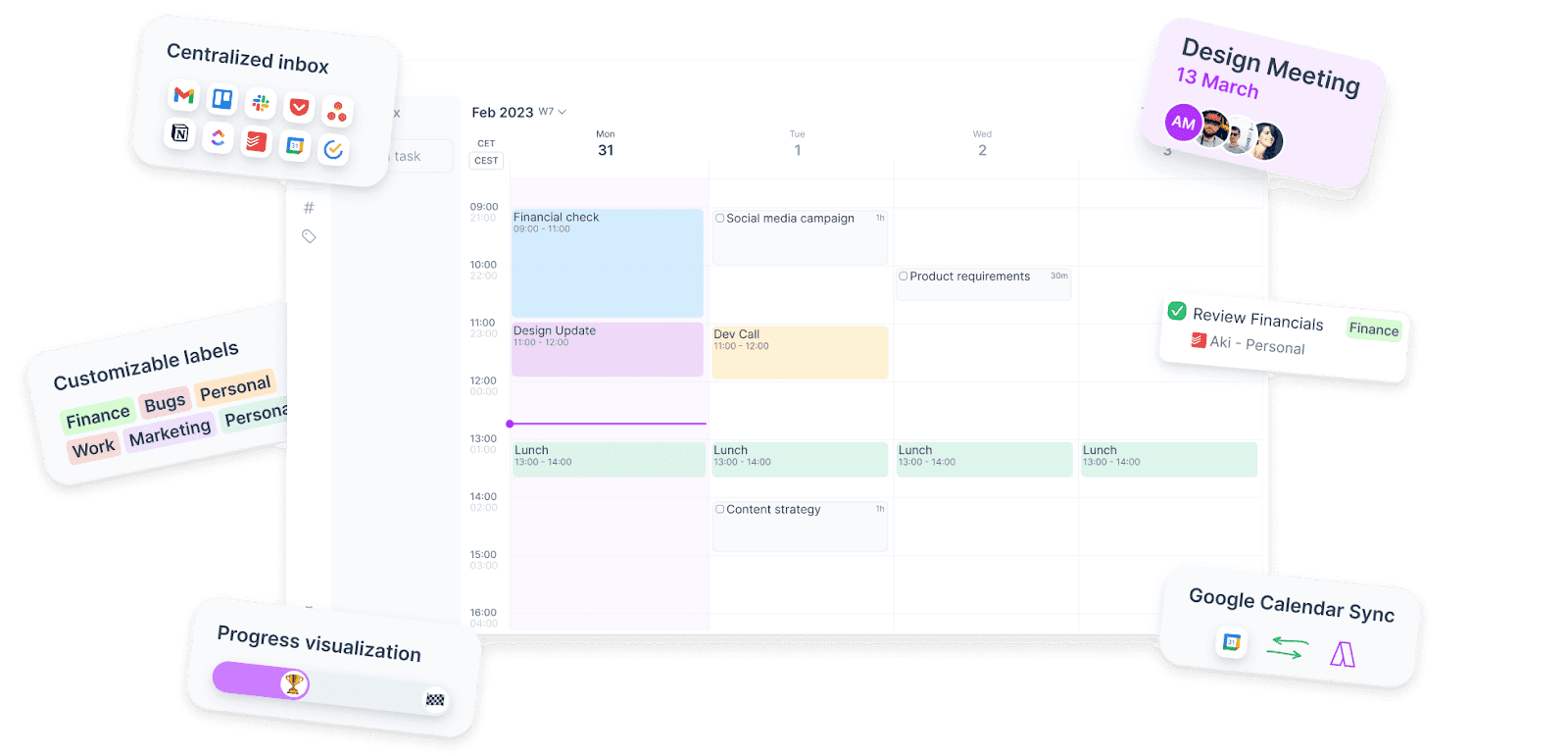
Collaboration style: Solo-focused; task ownership is individual
Communication tools: Minimal, designed to support focus and reference external tools
Best for: Professionals who need to track input from others but prefer to work independently
Use case example: Add a Notion meeting note as a private task and schedule it into your day
ClickUp
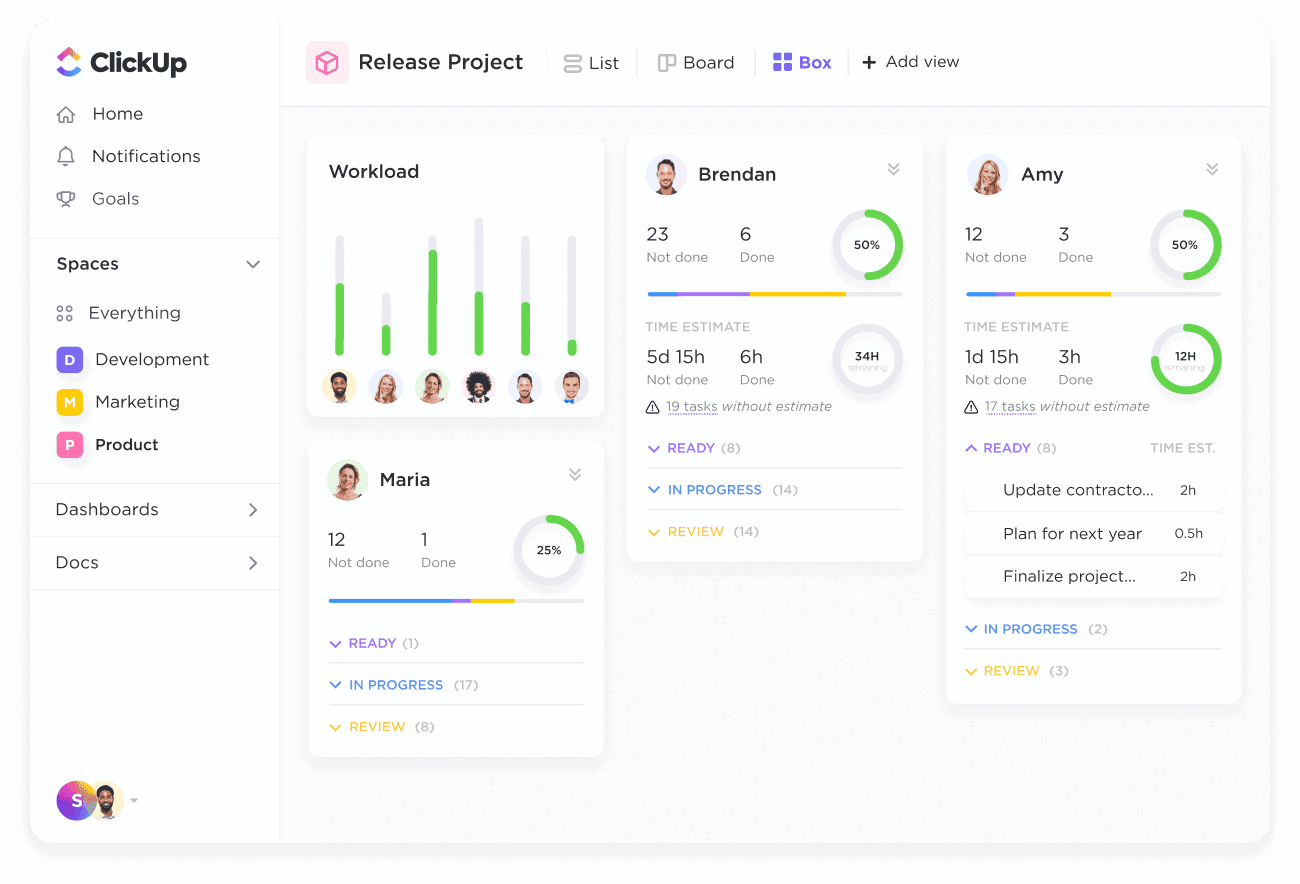
Collaboration style: Built-in collaboration with shared tasks, comments, and live updates
Communication tools: Internal chat, mentions, and real-time activity tracking
Best for: Teams that need to coordinate across roles and share frequent status updates
Use case example: Assign and update a product bug with multiple team members commenting in real time
User Interface and Experience
Your tool should help you move fast, not slow you down. We compare the visual layouts, learning curves, and overall workflow experience.
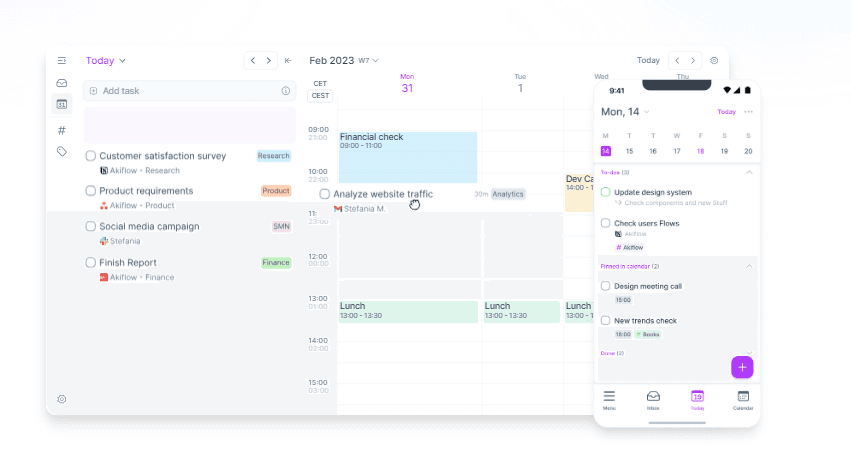
Layout focus: Clean calendar interface with minimal visual noise
Learning curve: Straightforward for new users; focused on immediate usability
Workflow design: Optimized for quick action - capture, plan, and execute with minimal clicks
Use case example: Open Akiflow, review your day, and start working in under 60 seconds
ClickUp
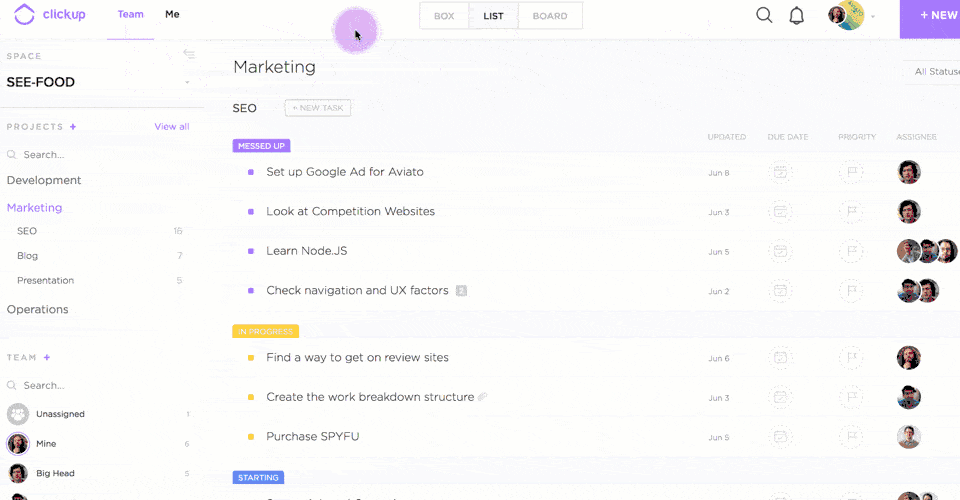
Layout focus: Custom dashboards and widgets tailored to user or team needs
Learning curve: Steep for beginners, especially with multiple views and workspace layers
Workflow design: Highly flexible, with options to customize nearly every part of the workflow
Use case example: View marketing KPIs, sprint boards, and assigned tasks in one custom dashboard
Integrations and Compatibility
Your productivity system is only as strong as the tools it connects to. See how Akiflow and ClickUp bring outside tasks and info into your workspace.
Feature | ClickUp | |
Integration Focus | Imports tasks from commonly used tools; one-way sync… | Two-way sync with tools like GitHub, Zoom, Google Drive, and more |
Automation | Minimalist setup without complex workflows to maintain… | Advanced automation, triggers, and API support for custom processes |
Use Case Example | Bring in tasks from your inboxes and apps, then… | Auto-update task statuses based on GitHub commit… |
Recently added to Akiflow
Meeting Assistant: An AI meeting assistant that records and transcribes your meetings, writes summaries, and automatically captures action items and decisions.
MCP (AI integration): Connect Akiflow to AI tools like Claude and ChatGPT through MCP, so you can manage tasks, meetings, and deadlines straight from your AI assistant.
AI Workflows: Ready-made, community-built AI workflows you can use inside Akiflow to automate planning and task management.
Universal Inbox: Pull tasks and emails from Gmail, Slack, Notion, Asana and more into one place, and turn any email or message into a task.
Pricing Overview
A tool’s value isn’t just about cost. It’s about what you get for it. Here’s how Akiflow and ClickUp structure their pricing and who each plan fits best.
Feature | ||
Model | Flat monthly rate of $19 with all features unlocked | Tiered pricing from free to enterprise, starting at $7… |
Best For | Professionals who want a premium personal planning tool | Teams with varying needs and budgets looking to scale… |
Use Case Example | A solo founder plans their week with full access and… | A growing team adds users and features as project… |
Pros and Cons Summary
To wrap it up, we’ve put the strengths and trade-offs of each tool side by side so you can quickly see what matters most to your workflow.
Tool | Pros | Cons |
Focused daily planning without clutterFast setup and task captureClean, distraction-free UI | Not built for teamsNo project-level progress trackingLimited view options beyond the calendar | |
Scales easily across teams and roles Offers deep customization and automation Multiple project views | Complex for new usersRequires ongoing setup and management Notifications can become noisy |
Conclusion
Choosing between Akiflow and ClickUp comes down to how you prefer to work. One is built for focused daily execution, the other for structured team collaboration. The right fit depends on whether you're managing your own time or coordinating with others.
If clarity, structure, and control over your schedule are what you're after, Akiflow is worth a try.
Start using Akiflow for free and see how it transforms the way you plan your day.


