ADHD Planners for Students: How Digital Tools Improve Focus and Learning

13
Staying organized as a student can be challenging. For students with ADHD this struggle is even more common, affecting focus, task management, and daily study routines. New data from England estimates that around 2.5 million people will have ADHD in 2025, including about 740,000 children and young people aged 5 to 24. This highlights how many students are navigating their education while managing attention and executive function challenges.
Traditional paper planners and long to-do lists often fail these students because they do not align with how ADHD brains process time and tasks. Many students struggle with time blindness, irregular motivation, and a tendency to feel overwhelmed when there is no clear starting point. What they need is not more structure, but a system that makes time easier to see, tasks easier to start, and routines easier to stick to.
Digital planners can be especially helpful because they live on devices students already use every day. These tools provide reminders for class schedules and deadlines, help break down large assignments into manageable steps, and support daily habits through visual and flexible planning.
In this guide, we will look at what makes a planner ADHD-friendly, explore digital tools that are designed with students in mind, and walk through how to use these tools to build a learning routine that is actually sustainable.
Note: This guide is for educational and planning support only. It is not medical advice. Students seeking diagnosis or treatment should consult a qualified healthcare or education professional.
Key Takeaways
Students with ADHD face unique planning challenges such as time blindness, inconsistent focus, and difficulty starting tasks, which make traditional to-do lists and paper planners less effective.
Digital planners are more effective because they provide structure, reminders, and visual clarity using tools students already interact with daily.
An ADHD-friendly planner should be simple, flexible, and visual, offering features like task breakdowns, calendar integration, and habit tracking.
Top digital tools like Akiflow, Tiimo, Structured, MyStudyLife, and RoutineFlow support different needs, from time blocking to visual timelines to academic tracking.
Effective planning routines involve starting small, time blocking realistically, using reminders, and being flexible with yourself, especially on low-focus days
Real-world scenarios like last-minute cramming or overscheduled weeks show how ADHD planners help break tasks into steps, protect focus time, and keep priorities visible.
Common mistakes to avoid include using overly complex systems, expecting perfect routines, or constantly switching tools. A good planner should feel like support, not pressure
The most important planning system is one you can stick with, especially one that meets your energy, focus, and learning rhythm consistently.
What Makes a Planner ADHD-Friendly
Most planners are built for people who already think in a structured way. That’s exactly why they often fail students with ADHD. The challenge isn’t remembering what to do, it’s managing the mental load of when to do it, how to start, and what to focus on first.
Why ADHD Brains Need a Different Approach
ADHD affects executive function, which impacts a student’s ability to plan, prioritize, and stick to routines. Common challenges include:
Time blindness: difficulty sensing how long tasks will take or how much time is available
Overwhelm from unstructured tasks: when everything feels equally urgent or unclear
Difficulty with task initiation: getting started can feel harder than the task itself
Forgetfulness or skipped steps: even when motivation is high, tasks can fall through the cracks
Inconsistent energy and focus: planning systems need to be flexible, not rigid
Traditional systems expect students to adapt to them. ADHD-friendly tools flip that — they adapt to how the student already works.
Features That Actually Help
Planners that support ADHD are simple, visual, and built to reduce friction. The best tools include:
Visual scheduling: so students can see their day or week clearly
Reminders and nudges: not just for deadlines, but to help shift between tasks
Task breakdowns: making assignments feel doable instead of overwhelming
Calendar integration: syncing with class schedules to avoid overbooking
Routine and habit tracking: helping students build consistency over time
These features turn a planner into more than a list of tasks. They become a structure that helps students reduce anxiety, stay engaged, and make better decisions about how to spend their time.
Ready to see which tools are built with these features in mind? Let’s look at the top digital planners that support ADHD students.
Also read: ADHD Productivity Tools to Cut Overload
Top Digital Planners for Students with ADHD
The right planner does more than hold your tasks. It helps you think clearly. For students with ADHD, the most helpful digital planners are the ones that reduce mental load, make time easier to see, and support flexible routines. These tools stand out because they work with how ADHD brains approach time, attention, and task management.
Here are some of the most effective digital planners for students who want to stay organized without feeling overwhelmed.
Akiflow – For Students Who Need Tasks and Time in One Place

Akiflow brings order to scattered schedules by combining tasks and calendar in one clear view. Instead of bouncing between apps, you can pull in assignments from Notion, Gmail, or Slack and block time for them on your calendar. This helps if you often lose track of what needs to be done or struggle to start tasks. Akiflow also includes fast task capture, smart reminders, and a focused interface to keep planning simple, even during busy school weeks.
Best for: Students who want a central hub for managing tasks, scheduling time, and maintaining a steady routine.
Tiimo – Visual Planning with Neurodivergent Design
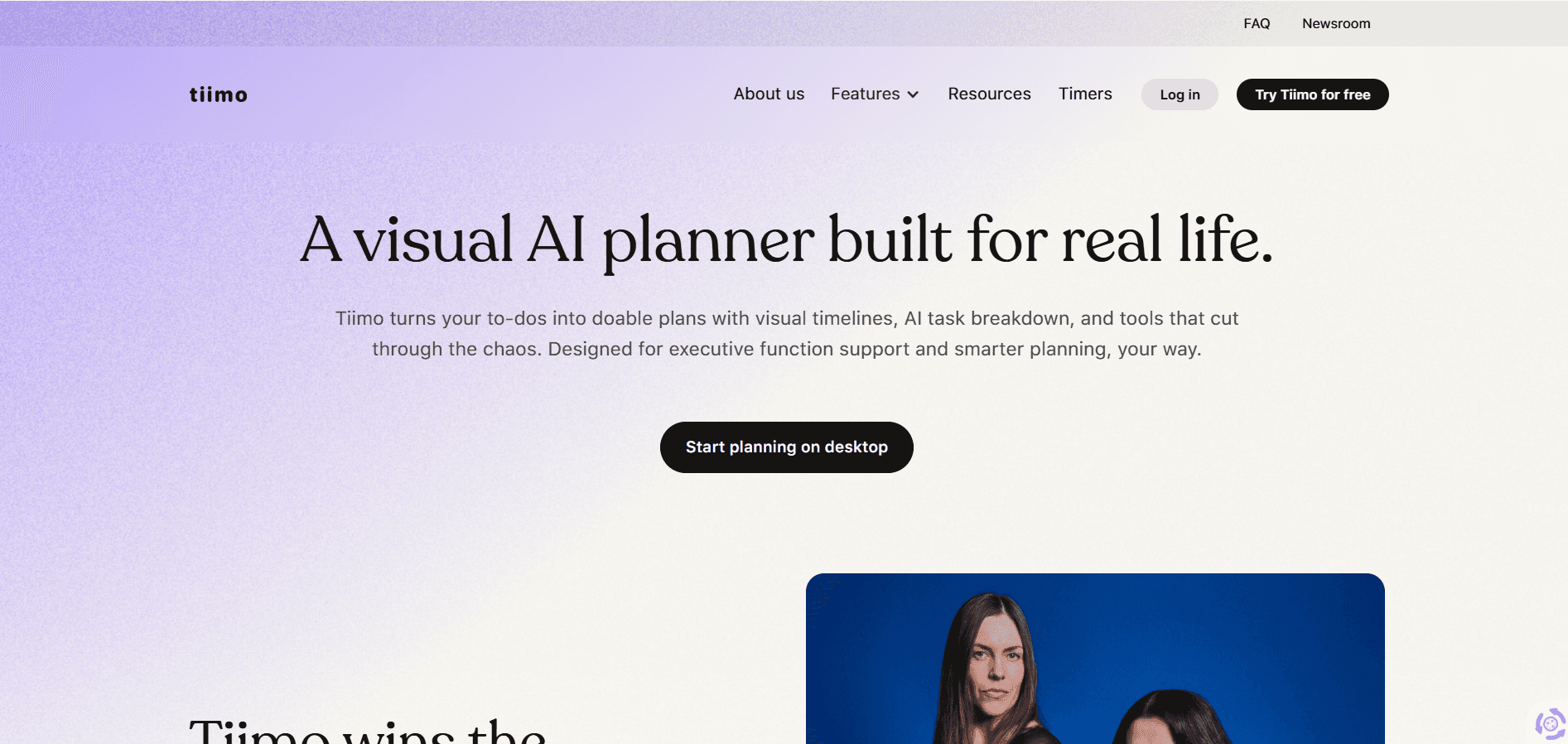
Tiimo is designed with neurodivergent users in mind. It uses icons, color coding, and a clear timeline to help you see your day at a glance. Tasks and routines are broken into visual steps that make it easier to stay on track. For students who find traditional planners hard to follow, Tiimo offers a more intuitive and accessible approach.
Best for: Students who benefit from visual structure and gentle reminders throughout the day.
MyStudyLife – Academic Planning, Simplified
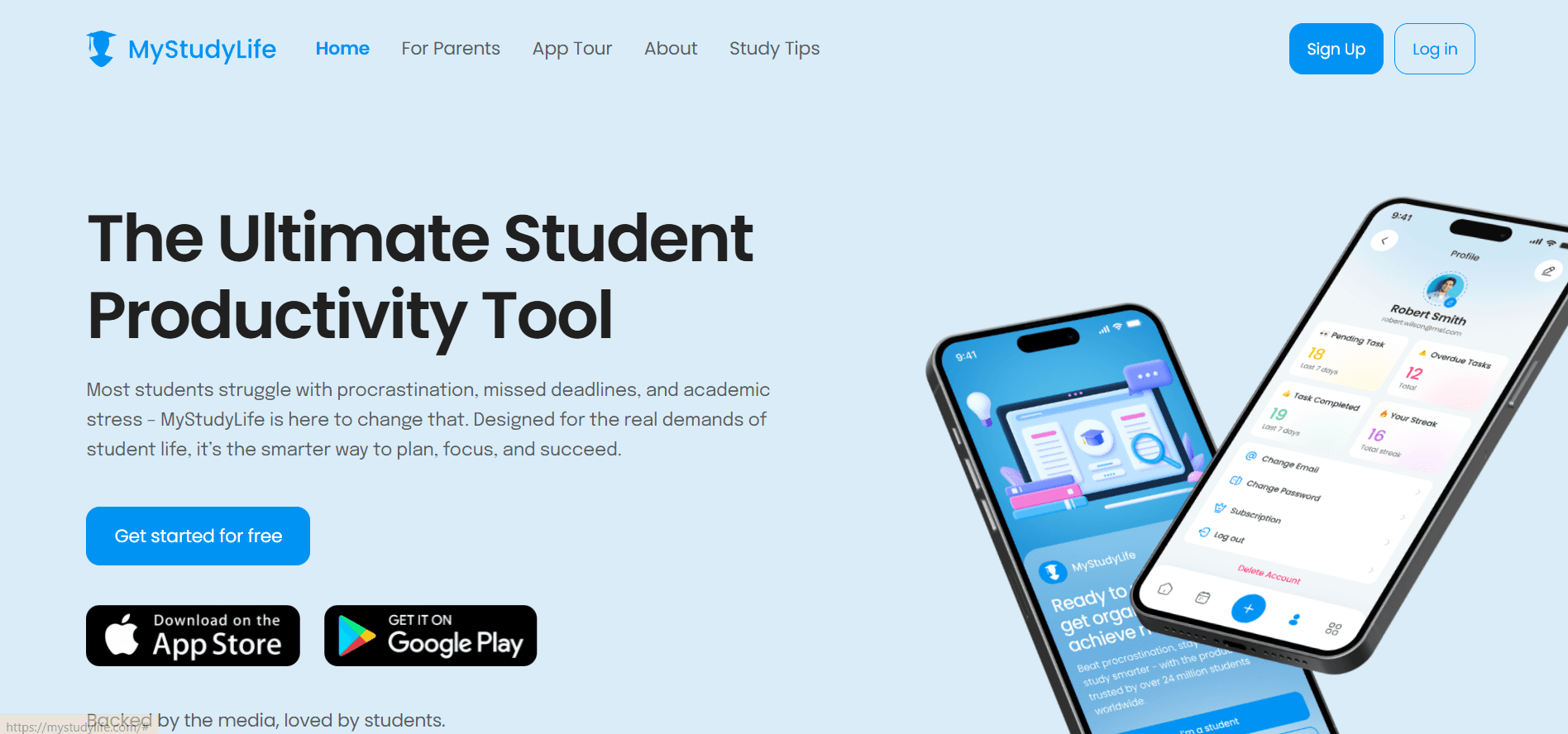
MyStudyLife is built specifically for students. It helps you manage class schedules, homework, and exam dates in one simple layout. Everything syncs across devices, and the interface is distraction-free. While it is not designed specifically for ADHD, it offers a straightforward way to stay on top of school tasks without overcomplicating your system.
Best for: Students who need a dedicated academic planner to track schoolwork and important dates.
Structured – A Time-Blocking View of Your Day
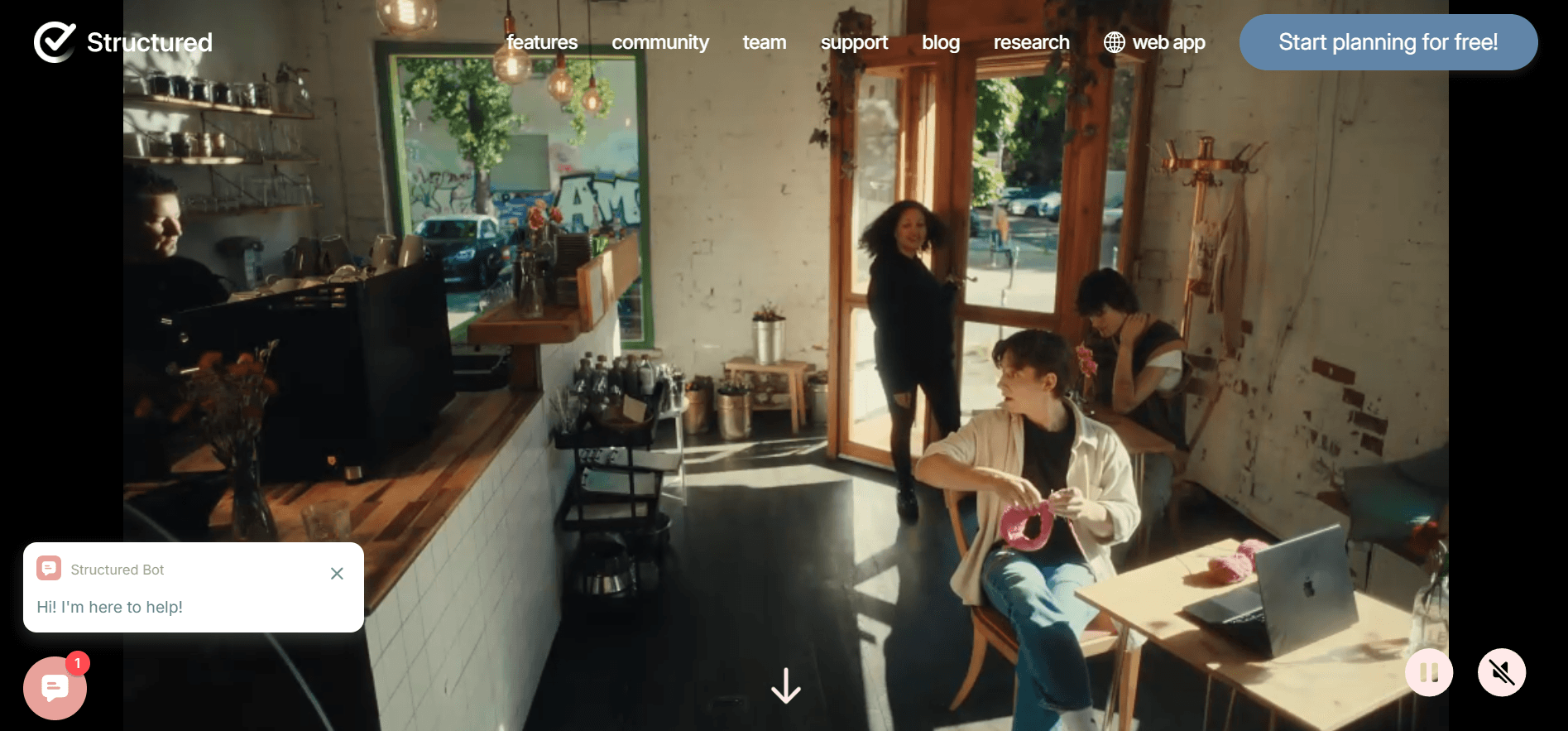
Structured lets you divide your day into clear blocks of time. You can assign durations to tasks, organize them by time of day, and get reminders as you move from one to the next. This can be especially helpful if you struggle with pacing, forget transitions, or feel stuck deciding what to do next.
Best for: Students who need a visual flow of their day to stay focused and reduce decision fatigue.
RoutineFlow – Build Habits That Stick
RoutineFlow focuses on helping you create and stick to daily routines. Whether it’s a morning prep routine, study block, or bedtime wind-down, this app lets you build repeatable systems that fit your life. You can track progress and adjust routines as needed without rethinking your entire plan.
Best for: Students who want to build consistent habits and routines without daily re-planning.
Google Calendar and Tasks – Familiar, Accessible, and Flexible
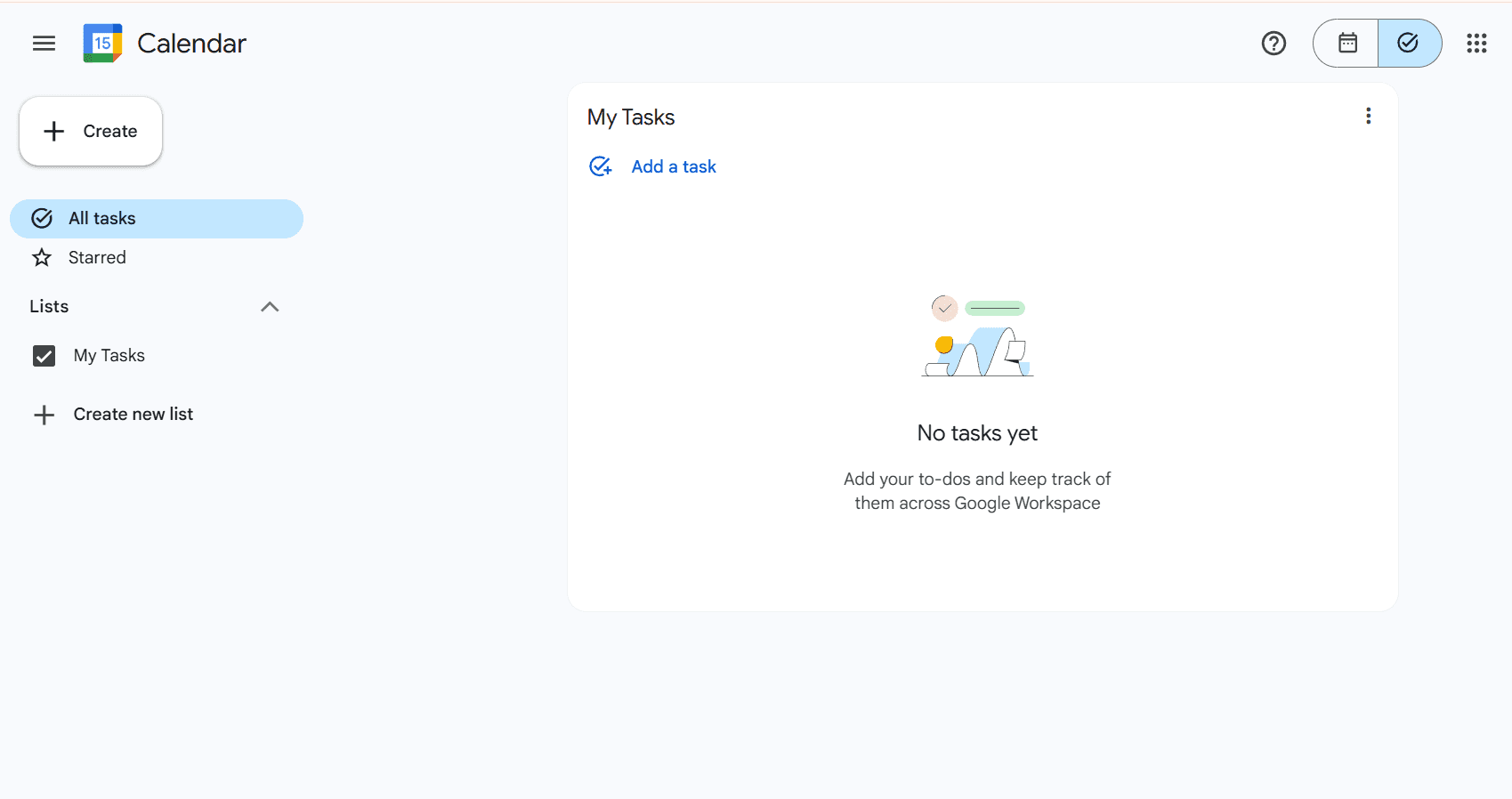
If you already use Google tools, combining Calendar with Google Tasks can give you a lightweight but effective planning system. You can schedule study time, set up recurring reminders, and see tasks alongside your classes and events. It may not have ADHD-specific features, but its simplicity and reach make it useful for staying on track.
Best for: Students who want a familiar setup that works across all devices with minimal setup.
The most important part is choosing a system that helps you feel calm and clear, not more stressed. In the next section, we will look at how to actually use your planner in a way that supports your learning routine and works with your energy, even on difficult days.
Must read: ADHD Habit Trackers: How to Build Consistency Without Overwhelm
How to Use a Planner Effectively as a Student with ADHD
Choosing the right planner is a great first step, but using it consistently is where the real impact happens. For students with ADHD, the goal is not to create a perfect schedule. It’s to build a system that reduces overwhelm, helps you start tasks more easily, and supports routines that work even on low-motivation days.
Here are some simple strategies that make your planner more useful and less stressful.
1. Start Small and Keep It Visible
Pick one place to track your tasks and stick with it for at least a week. Avoid switching between tools too often. Make sure your planner is open or visible during your day; on your desktop, pinned in your browser, or set as a widget on your phone. The more often you see it, the more likely you are to use it.
2. Time Block for What You Actually Do
Instead of making an ideal schedule, use time blocks to reflect how your day really works. If you usually study better in the afternoon, block that time for assignments. Add buffers between tasks, and include breaks or transitions. With Akiflow, for example, you can drag tasks into your calendar and give them space so your day is paced realistically.
3. Break Big Tasks into Smaller Steps
A long assignment or project can feel impossible to start. Break it into smaller pieces that feel easier to complete. For example, instead of writing “finish research paper,” break it into “open notes,” “choose sources,” or “write an intro paragraph.” These micro-steps lower the barrier to getting started and help maintain momentum.
4. Use Reminders as Gentle Prompts
Set reminders not just for deadlines, but for prep steps and transitions. For example, a reminder 15 minutes before a study session can help you shift focus. Apps like Tiimo, RoutineFlow, and Akiflow all offer customizable reminders that support smoother task switching.
5. Plan Tomorrow Before the Day Ends
Take five minutes at the end of each day to review what got done and what needs attention tomorrow. This helps you reset without starting from scratch each morning. If your planner shows both tasks and time like in Akiflow; you can drag unfinished tasks into the next day with just a click.
6. Be Flexible and Forgiving
You will miss days. That’s normal. ADHD planning is not about being perfect. It’s about having a tool that helps you regain control when things feel messy. Use your planner as a support system, not a scoreboard.
When used the right way, a digital planner becomes more than just a list of what you should do. It becomes a tool that makes daily life feel more manageable, more predictable, and less mentally draining.
Next, we’ll look at some real examples of how students use digital planners to stay on track during busy school weeks.
ADHD Planners in Real Student Scenarios
A good planner doesn’t just help with long-term goals. It helps with the everyday moments where things often fall apart; missed assignments, forgotten deadlines, or unstructured afternoons that turn into all-nighters.
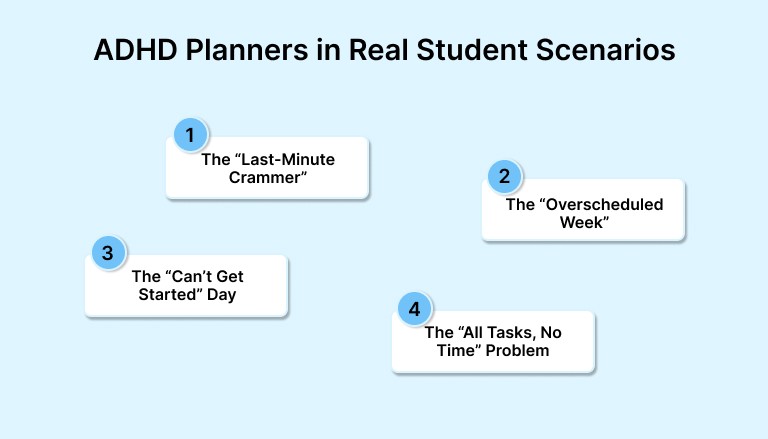
Below are a few real-world examples of how digital planners help students with ADHD stay more consistent, reduce stress, and feel more in control of their time.
Scenario 1: The “Last-Minute Crammer”
Problem: You always intend to start studying early, but the days slip by and suddenly you are cramming the night before the exam.
How a Planner Helps:
With a digital planner like Akiflow, you can add your exam date to your calendar, then break study time into smaller blocks across the week. You can also set reminders to review notes or complete practice questions. This turns one big, stressful task into a series of smaller and more manageable steps.
Scenario 2: The “Overscheduled Week”
Problem: You agree to too many things such as group projects, part-time work, and social events, then realize you have left no time to finish your paper.
How a Planner Helps:
Tools like Structured allow you to see tasks and calendar events in one view. You can quickly spot scheduling conflicts, block off time for deep work, and pace your week in a more balanced way. This helps you make better decisions before your schedule gets too full.
Scenario 3: The “Can’t Get Started” Day
Problem: You sit down to study but feel frozen. You don’t know what to do first or how long it will take, so you end up doing nothing.
How a Planner Helps:
Using a visual planner like Tiimo or RoutineFlow, you can create a short startup routine such as opening your notes or writing one sentence.
Scenario 4: The “All Tasks, No Time” Problem
Problem: Your to-do list is full but you keep running out of time and pushing tasks to tomorrow.
How a Planner Helps:
With time-blocking tools like Akiflow, you shift from thinking in task lists to thinking in actual time. Dragging tasks onto your calendar shows you what realistically fits in your day. It becomes easier to prioritize, adjust, or let go of non-essential tasks.
These situations are common, and they are exactly where a digital planner can help. Not by forcing a perfect schedule but by making your day more visible and your decisions more intentional. The right system gives you clarity when things feel out of control and helps you keep moving forward even when focus is low.
Next, we will look at what to avoid when choosing a planner so it works for you and not against you.
What to Avoid When Choosing a Planner for ADHD
Not every planner is helpful. In fact, the wrong system can make things worse by adding pressure, confusion, or more mental clutter. If you are a student with ADHD, the goal is not to become hyper-organized. The goal is to find a tool that makes it easier to start, stick with, and adjust your routine as needed.
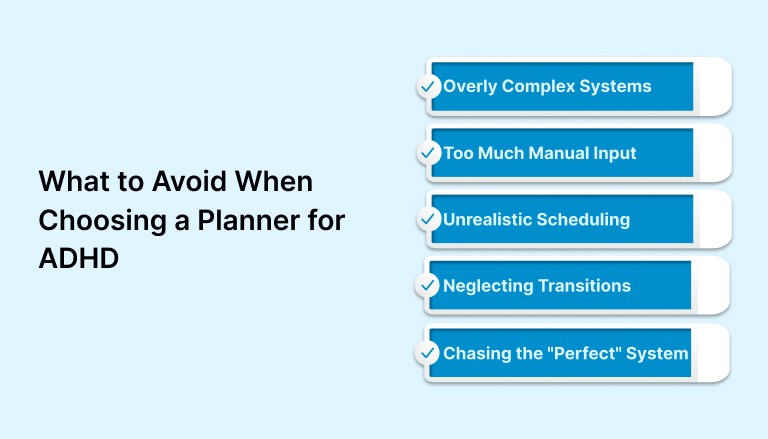
Here are a few things to avoid when selecting or using a digital planner.
1. Overly Complex Systems
Some planners have so many features that using them becomes a task by itself. If your system takes longer to manage than it does to do your actual work, it is probably too complicated. Start with the simplest setup that works, and build from there only if you need to.
2. Too Much Manual Input
Planners that require constant updating or repetitive data entry can become exhausting. ADHD brains already work harder to stay organized. Look for tools that allow quick task capture and automatic sync with your calendar or email, so the tool does more of the heavy lifting.
3. Unrealistic Scheduling
It is easy to fill your calendar with everything you want to do. But if you block every hour of your day without breaks or buffers, your schedule can fall apart quickly. A more forgiving system with flexible blocks, like the time blocking in Akiflow or Structured, helps create a plan you can actually follow.
4. Neglecting Transitions and Prep Time
Jumping from one task to the next without buffer time can lead to frustration and burnout. When planning your day, include short breaks, mental resets, or setup time between study sessions or classes. Skipping these can make even small tasks feel harder than they should.
5. Chasing the “Perfect” System
It is common to keep switching tools in search of something perfect. But each time you start over, you lose momentum. Instead of chasing a flawless setup, commit to one tool for a few weeks and adjust as you go. Consistency is more helpful than complexity.
The best planner for ADHD is the one you will actually use. It should feel supportive, not punishing. It should help you feel clearer, not more confused. And it should help you build a rhythm that works with your brain, not against it.
Final Thoughts
For students with ADHD, the most valuable kind of planning is the kind that lowers pressure instead of adding it. A good system helps you stay aware of your time, choose what to focus on next, and feel a little more in control when everything starts to feel messy.
It is not about perfect routines or packed schedules. It is about making space for focus when it shows up, and having a structure that supports you when it doesn’t. That kind of planning looks different for everyone, which is why the best tool is one that adapts to your habits rather than forcing you into someone else’s idea of productivity.
If you need one place to bring your tasks and calendar together in a way that is clear and flexible, a tool like Akiflow can help. It gives you just enough structure to stay grounded, without getting in your way. Try for free!
You do not have to plan like everyone else. You just need a system that helps you start, adjust, and keep moving forward.
FAQs
Q: What is the purpose of using an ADHD planner?
A: An ADHD planner helps reduce mental overload by making time, tasks, and routines easier to manage. It turns scattered thoughts into a visible plan so students can focus, follow through, and stay on track.
Q: What is the 10-3 rule for ADHD?
A: The 10–3 rule is a focus strategy where you work for 10 minutes, then take a 3-minute break. It’s designed to lower the barrier to starting a task, especially for people with ADHD who experience task initiation resistance.
Q: How can ADHD students stay organized?
A: Use one central system to track both tasks and time. Break big assignments into smaller steps, set reminders, and create simple daily routines that are easy to follow even on tough days.
Q: What are the 5 C’s of ADHD?
A: The 5 C’s are consistency, clarity, connection, celebration, and compassion. These principles help students build structure while also being kind to themselves when challenges come up.
Q: What is the 2-minute rule for ADHD?
A: If a task takes less than two minutes, do it right away. This prevents small things from piling up and makes it easier to stay ahead of mental clutter.


