
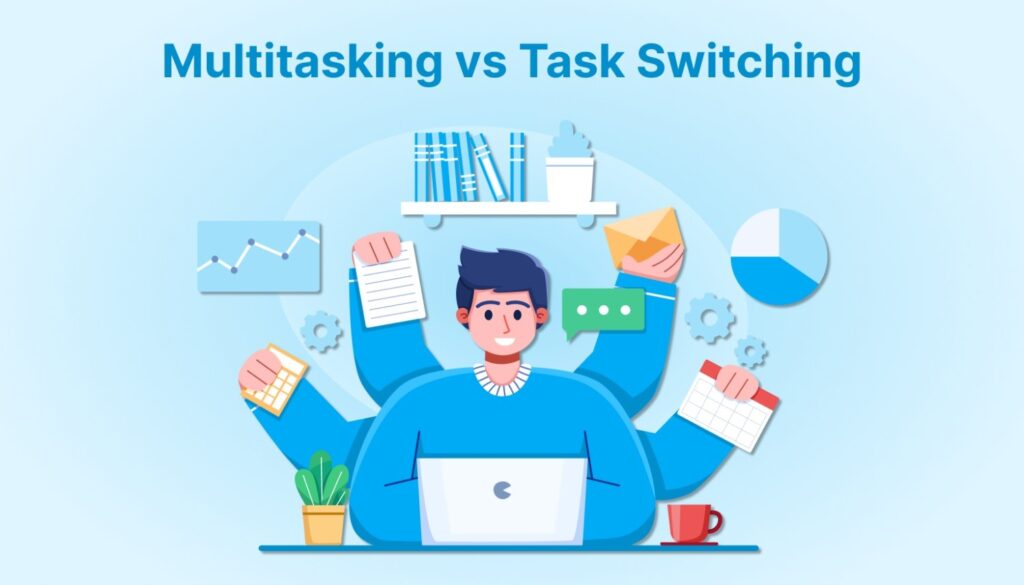
You're probably juggling emails, Slack messages, and actual work all day. But every time you shift your focus, your brain takes a hit. One 2025 study found that office workers are interrupted nearly 100 times per day by email alone, costing around 1.5 hours of reorientation time daily.
That reorientation, often called switch cost, adds up fast. According to a 2025 cognitive workload analysis, switching tasks can reduce productivity by up to 40 percent.
This blog will clarify what task switching and multitasking really mean, how they affect your brain, why multitasking is often a myth, and what actually works better if you want to stay focused and get meaningful work done.
TL;DR
Multitasking is not what it seems. Your brain is not handling multiple tasks at once. It is switching rapidly between them, which adds mental drag.
Task switching interrupts your focus. Each time you change tasks, it takes time and effort to get back on track. That time adds up throughout the day.
Repeated switching leads to shallow work. It becomes harder to concentrate deeply, make clear decisions, or finish meaningful tasks.
Some jobs require frequent switching. In roles like support or operations, the goal is to manage it intentionally rather than eliminate it.
Better strategies exist. Time blocking, task batching, and clear prioritization help reduce switching and protect your focus.
Task Switching vs Multitasking: What’s the Difference?
These two terms are often used interchangeably, but they describe very different behaviors. Understanding the distinction is key to improving how you manage your attention and energy.
Task Switching Meaning
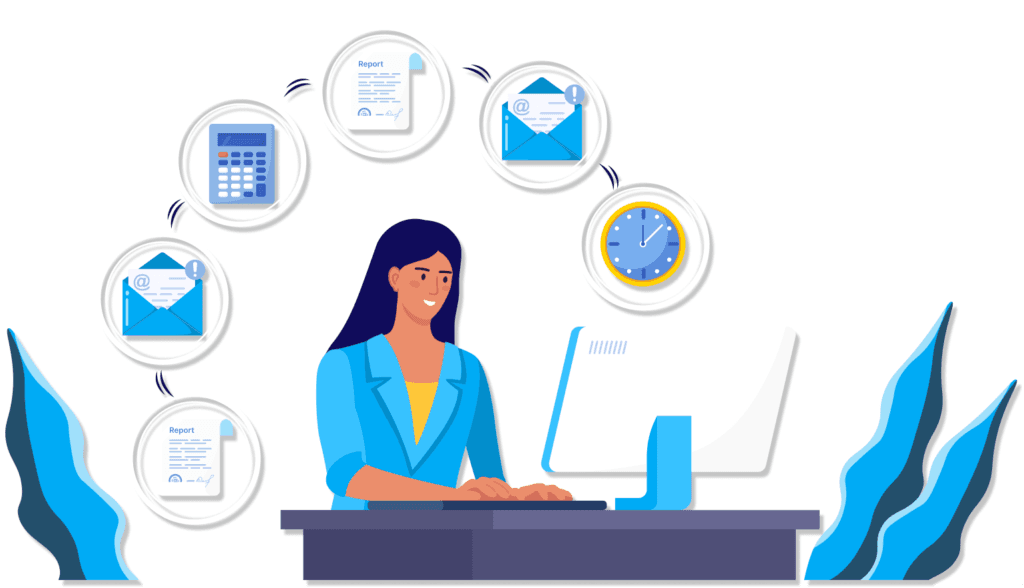
Task switching happens when you stop working on one task to focus on another. You are not doing both at once. You're pausing one activity, shifting your attention, and picking up something else. It sounds harmless, but each switch carries a mental reset.
Examples in a typical workday:
You're creating a report when a Slack notification pops up. You read and respond, then return to the report
You're updating a project tracker when a teammate calls. You answer, take notes, then go back to the tracker.
These shifts may seem small, but they interrupt focus and make it harder to re-enter a state of deep work. Task switching is the default mode in many modern work environments where interruptions are constant.
Multitasking Meaning and Misconceptions

Multitasking is often misunderstood. Most people think it means handling multiple tasks at once. In reality, unless one task is fully automatic (like walking), your brain is switching between activities rather than truly doing them in parallel.
Example of false multitasking:
You’re at a Zoom meeting, answering Slack pings, and reading your inbox at the same time. You may feel busy, but you're only giving partial attention to each task and missing key details from all of them.
What feels like productivity is often a fragmented mental state. Studies show that trying to multitask leads to more errors, slower work, and faster burnout.
Why People Confuse the Two
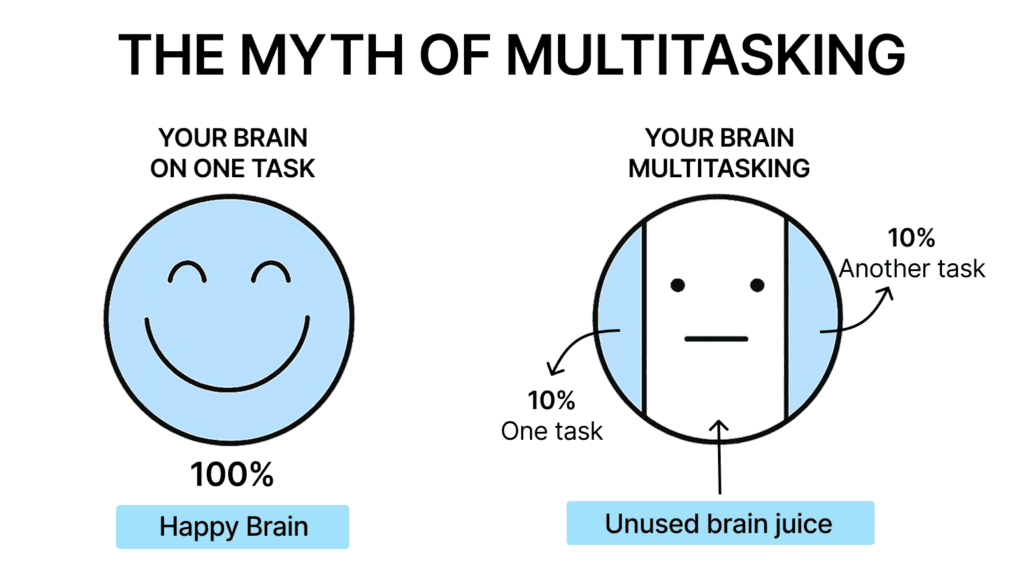
Many professionals believe they’re effective multitaskers because they get a lot done while bouncing between tasks. But what they’re actually doing is switching rapidly, and paying the cost of reduced quality and retention.
The “good multitasker” belief is one of the most persistent productivity myths. Research from Stanford University found that people who frequently multitask perform worse at organizing thoughts, filtering out distractions, and switching between tasks efficiently.
The illusion of productivity comes from the speed of movement, not the depth of focus.
Task Switching Psychology: What the Brain Is Actually Doing
Frequent task switching does more than slow you down. It changes how your brain handles attention, decision-making, and memory. Here's what the research shows.
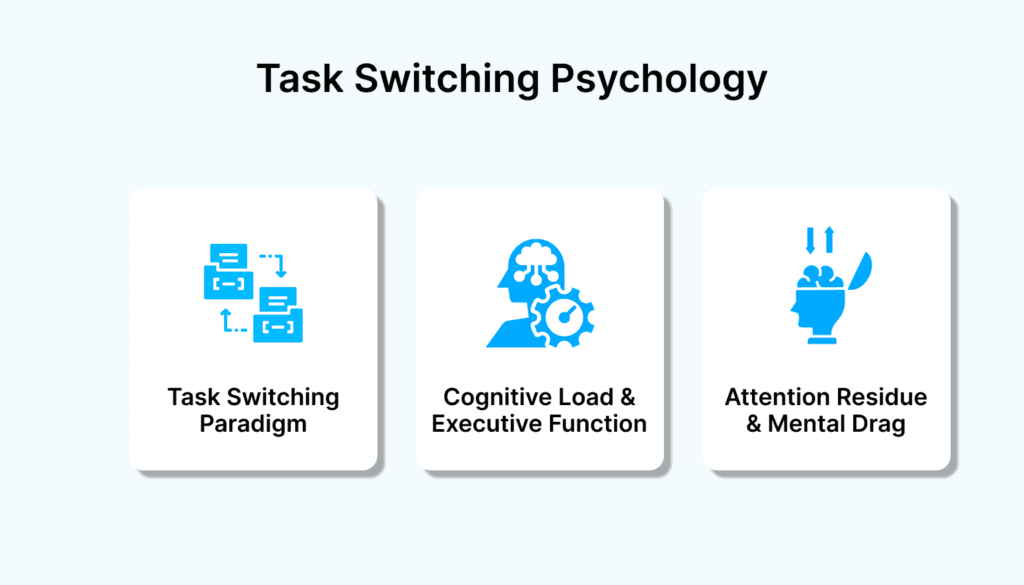
The Task Switching Paradigm (Cognitive Psychology)
Cognitive psychology experiments show what happens when people shift between tasks. The key takeaways:
Each switch causes a delay in response time
Accuracy drops as your brain refocuses
Even simple rule changes add friction
What your brain is doing during a switch:
Unloads the context of the first task
Loads the rules and goals of the next
Reconfigures short-term memory to focus on the new task
Switching between unrelated tasks like creative work and admin takes even more effort.
Cognitive Load and Executive Function
Executive function manages your ability to focus, plan, and switch attention. When task switching is constant:
Working memory gets stretched
Decision quality drops
Mental fatigue builds throughout the day
You may notice:
It takes longer to make simple choices
You forget where you left off
Your mind keeps bouncing without finishing
This cognitive strain makes it harder to stay sharp across your workday.
Attention Residue and Mental Drag
When you switch tasks before finishing, your mind doesn't fully let go.
Some attention stays stuck on the last task
It pulls focus away from your current activity
The result is reduced clarity and shallow work
Common examples:
Thinking about a Slack message during a client call
Reading the same email twice because your mind wandered
Struggling to start focused work because your head is still on earlier tasks
This residue builds with every switch. Over time, it leads to scattered focus even when you have time and space to concentrate.
The Hidden Cost: Switch Fatigue and Shallow Work
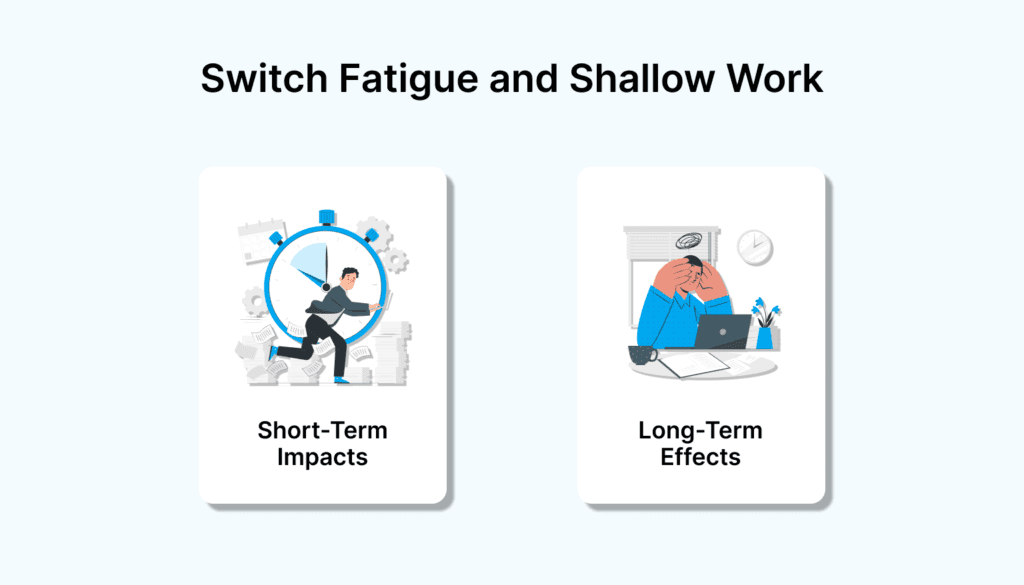
Most people assume quick task shifts are harmless. But the mental wear from switching adds up fast, leading to shallow focus and long-term strain on your attention system.
Short-Term Impacts
Switching doesn’t just slow you down for a moment. It affects the quality of your work and how long it takes to get back on track.
Output tends to be less thoughtful and more error-prone
More time is spent backtracking, rereading, or rechecking
Focused thinking gets replaced with surface-level engagement
Small distractions often balloon into lost chunks of productive time
The cost isn’t always obvious at the moment, but it’s easy to spot in a calendar full of half-finished tasks and foggy decision-making.
Long-Term Effects of Chronic Multitasking
Over time, constant context switching reshapes how you work. What feels like flexibility turns into mental overload.
Your baseline attention span shortens
You rely more on reactive tasks because deep work feels harder to start
Chronic fatigue makes it difficult to stay engaged
You begin to normalize working in fragments, even when uninterrupted
Creative thinking and strategic planning feel less accessible
The longer you operate in this mode, the more effort it takes to reset your attention and reclaim focus.
When Task Switching Is Inevitable
Not every role allows for uninterrupted deep work. Some jobs are built on responsiveness. But even in high-interruption environments, how you handle switching can make or break your focus and energy.
Roles That Require It
For some professionals, rapid switching is baked into the job description. The goal isn't to eliminate switching entirely, but to handle it more intentionally.
Operations teams often field real-time issues, status updates, and bottlenecks from multiple departments
Support roles need to move quickly between tickets, tools, and communication channels
Client-facing professionals frequently toggle between calls, emails, and prep tasks throughout the day
In these cases, the problem isn’t the switching itself, but the lack of structure around it. Without clear boundaries or recovery time, even the most responsive roles suffer from cognitive overload.
How to Minimize the Impact
If you can't avoid task switching, you can reduce the drag it creates. These small habits can protect your focus even in fast-moving environments.
Leave mental breadcrumbs. Jot a one-line note before switching away from a task so you can resume without guessing
Add short buffers between tasks, especially before or after high-focus work
Use one system to collect and prioritize incoming tasks so you’re not bouncing between tabs and inboxes
Set defined check-in windows for tools like Slack or email to reduce random pings
If your role requires high availability, create “catch-up blocks” on your calendar for context rebuilding
Smart switching means knowing when to pivot and how to support yourself when you do.
Smarter Alternatives to Multitasking and Task Switching
Multitasking often leads to scattered focus. Task switching brings mental drag. Neither supports deep, meaningful work. Instead of trying to juggle more, the goal is to create structure that reduces how often you need to switch and how much it costs when you do. Akiflow helps by combining your tasks and calendar into one streamlined system.
Time Blocking Your Calendar
Use time blocking to assign focused windows to meaningful work. Instead of reacting to incoming pings, you’re proactively planning when and how tasks get done. In Akiflow, you can drag and drop tasks into your calendar and give them protected time.
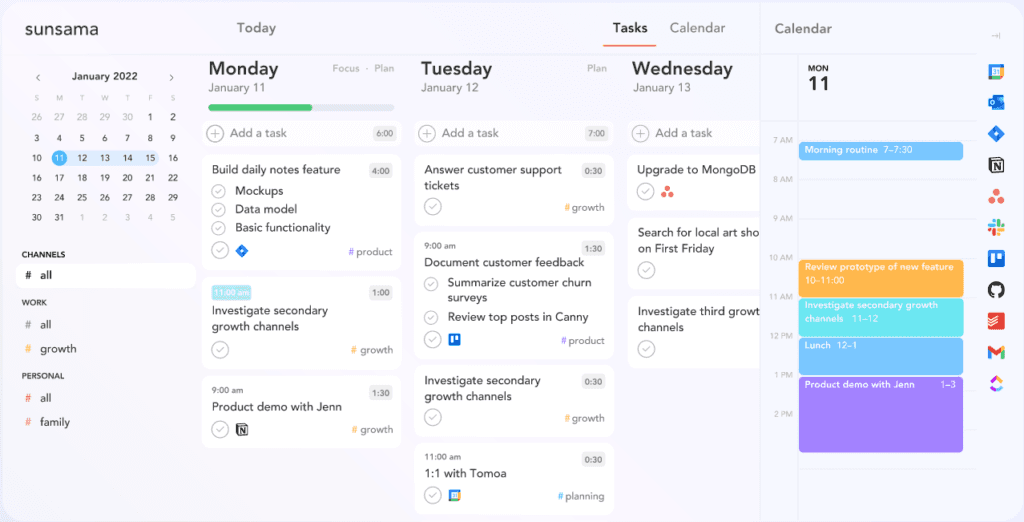
Protects your deep work windows from distractions
Reduces decision fatigue by assigning specific time to each task
Helps you spot overload before your day begins
Learn how to time block effectively
Task Batching and Theming
Akiflow lets you tag, group, and filter tasks so you can batch similar work together. This reduces the mental effort of context switching and keeps your workflow focused.
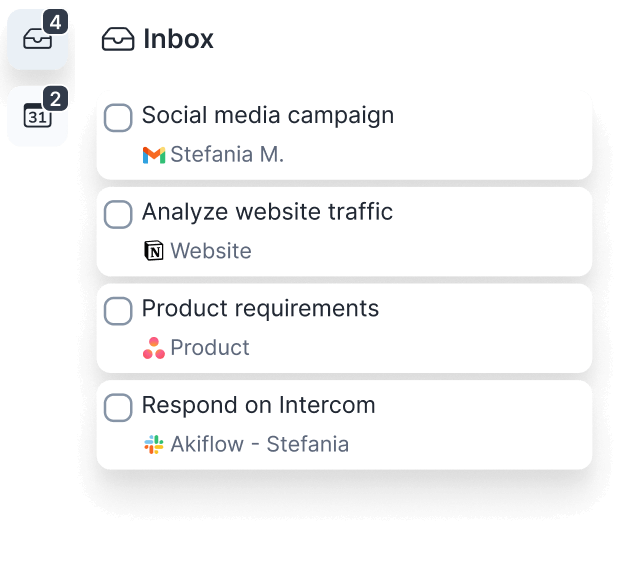
Helps you stay in the same mental zone longer
Makes themed time blocks like admin or creative work easier to manage
Keeps you organized without jumping between apps or tabs
With everything visible in one view, batching becomes part of how you plan your day.
Prioritize Work by Levels
Akiflow supports level-based prioritization through tagging, so you can sort tasks by impact instead of urgency alone.
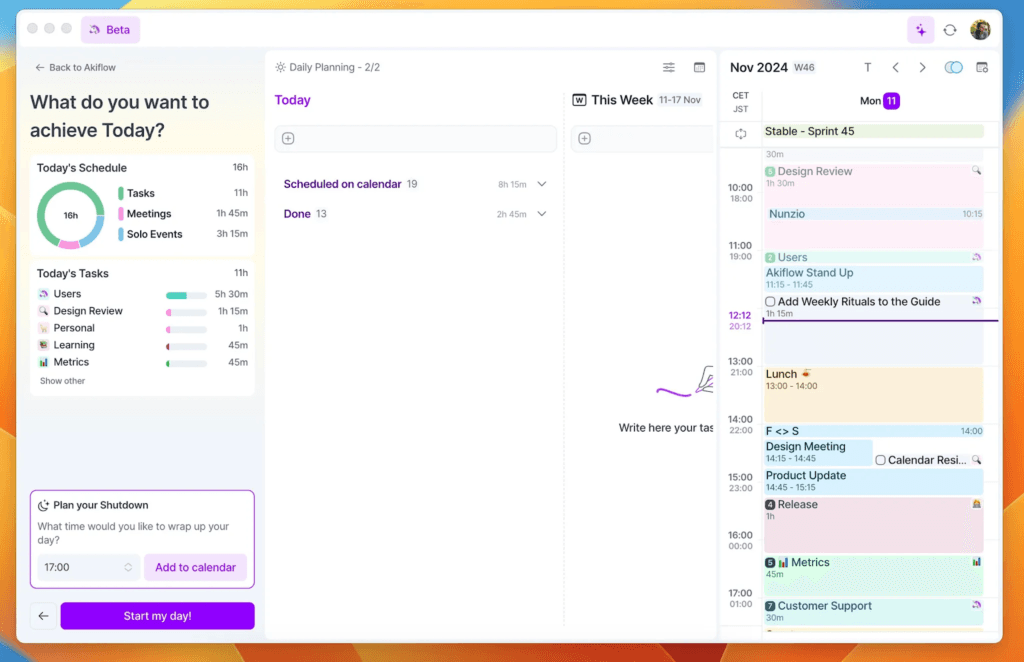
Use Level 2 tags for high-value but non-urgent work and schedule them first
Batch Level 3 tasks into Quick Hits and assign them during lower-energy hours
Identify and remove Level 4 tasks that create distraction without value
Use this prioritization model to align your calendar with what matters most.
When your tasks, time, and priorities live in one view, you stop juggling and start deciding. Akiflow gives you the clarity to plan without toggling and the structure to execute without switching.
Stop Switching and Start Focusing
If you're tired of feeling busy but never caught up, it's time to rethink how you manage your day.
Akiflow is built for people who want fewer tabs, fewer pings, and more time to do real work. With everything from your tasks to your calendar in one place, you can finally plan with intention instead of reacting to interruptions.
Here's how Akiflow helps reduce task switching:
Plan your day visually by dragging tasks into your calendar
Batch your work with tags, filters, and smart views
See what matters most by prioritizing with impact levels
Protect your time with focused blocks and fewer distractions
Akiflow isn’t just another productivity app. It’s a system for doing deep, meaningful work without the constant pull of scattered attention.
Start your free trial and experience what it’s like to plan your day without mental drag.
Final Thoughts
Multitasking may feel productive, but it often leaves your attention split and your work unfinished. The real cost shows up in missed details, mental fatigue, and a constant sense of catching up.
Task switching will happen, especially in fast-paced roles. The difference is whether you let it control your day or you manage it with intention. When you organize your work by priority, schedule time blocks with purpose, and keep distractions in check, focus becomes easier to protect.
Akiflow is built to support that kind of structure. It helps you turn scattered inputs into clear plans and protects your time for the work that matters most. Try Akiflow today and experience what a focused workflow actually feels like.
Frequently Asked Questions
Q: Can some people multitask better than others?
Ans: Very few people can truly multitask without consequences. In fact, research shows that people who think they are good multitaskers tend to perform worse on memory and focus tests. It is not a matter of talent but of cognitive limitations.
Q: What is the difference between task switching and multitasking?
Ans: Task switching is when you move from one task to another in sequence. Multitasking is trying to do two attention-requiring tasks at the same time. In most work scenarios, what people call multitasking is actually just very fast switching, which still carries a mental cost.
Q: How can I reduce the cost of task switching at work?
Ans: Use strategies like time blocking, task batching, and setting focus windows. A tool like Akiflow helps by centralizing tasks and showing them on your calendar so you can stay focused without bouncing between tools and tabs.
Q: Is it possible to avoid task switching completely?
Ans: Not entirely. Some roles require fast responses and constant pivots. The goal is to reduce unnecessary switches and create structure around the ones you cannot avoid. Using one platform to track, prioritize, and schedule tasks makes this easier to manage.


