How To Assign Tasks In Google Tools
Wondering if you can assign tasks in Google Tasks? Discover the answer, team-friendly alternatives, and learn how to set it up today for smoother collaboration.
Akiflow Blog
Wondering if you can assign tasks in Google Tasks? Discover the answer, team-friendly alternatives, and learn how to set it up today for smoother collaboration.
Master time management with separate synced calendars, automate scheduling, set boundaries, and review regularly. Click to manage work and personal calendars effectively!
Master productivity with expert tips on how to plan your day to be productive. Set goals, prioritize tasks, and use digital planners. Start optimizing your routine now!
Boost your efficiency and productivity with 10 impactful strategies. Set goals, automate tasks, and improve communication. Start enhancing now!
Master time planning with 6 strategies: prioritize tasks, block time effectively, set SMART goals, and harness organizational tools. Enhance productivity now!
Learn how to show tasks in Google Calendar, get quick setup tips, discover its limitations, and see how Akiflow can centralize your workflow. Try it today!
Enhance productivity with these daily checklist ideas. Improve morning routines and self-care. Organize your day efficiently. Start today!
Discover 10 scheduling time management methods! Learn how to use MIT, Pomodoro, and Time Blocking methods to boost productivity now.
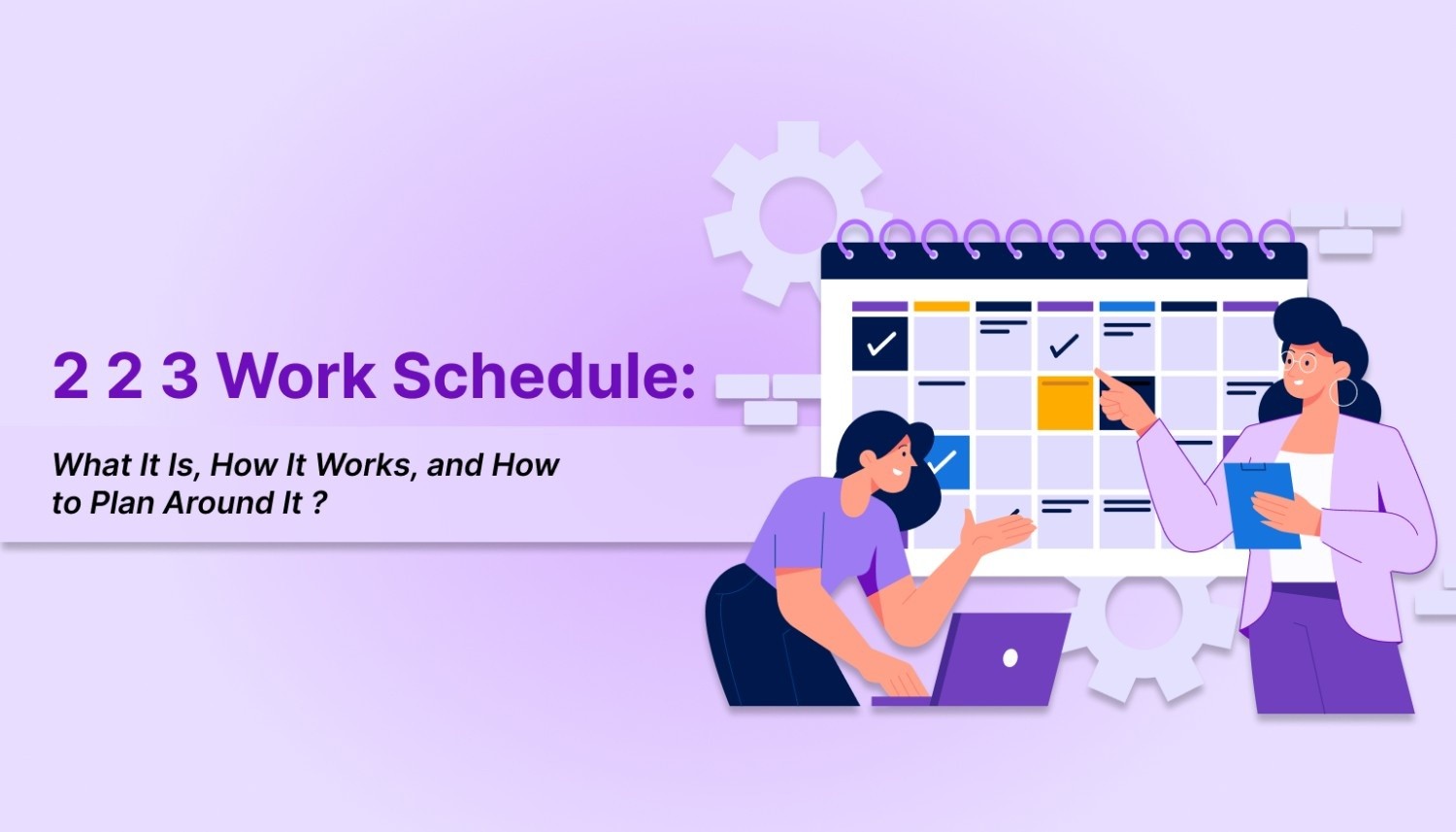
Discover the 2-2-3 work schedule: balance work-life with 24/7 coverage. Ideal for healthcare and manufacturing. Click to optimize staffing!
Struggling with scattered to-do lists and mental overload? Learn proven task organization methods to reduce friction, prioritize better, and follow through with clarity.
Boost productivity with the Eisenhower Matrix, Pomodoro Technique, and Kanban board. Learn how to improve time management. Start now!
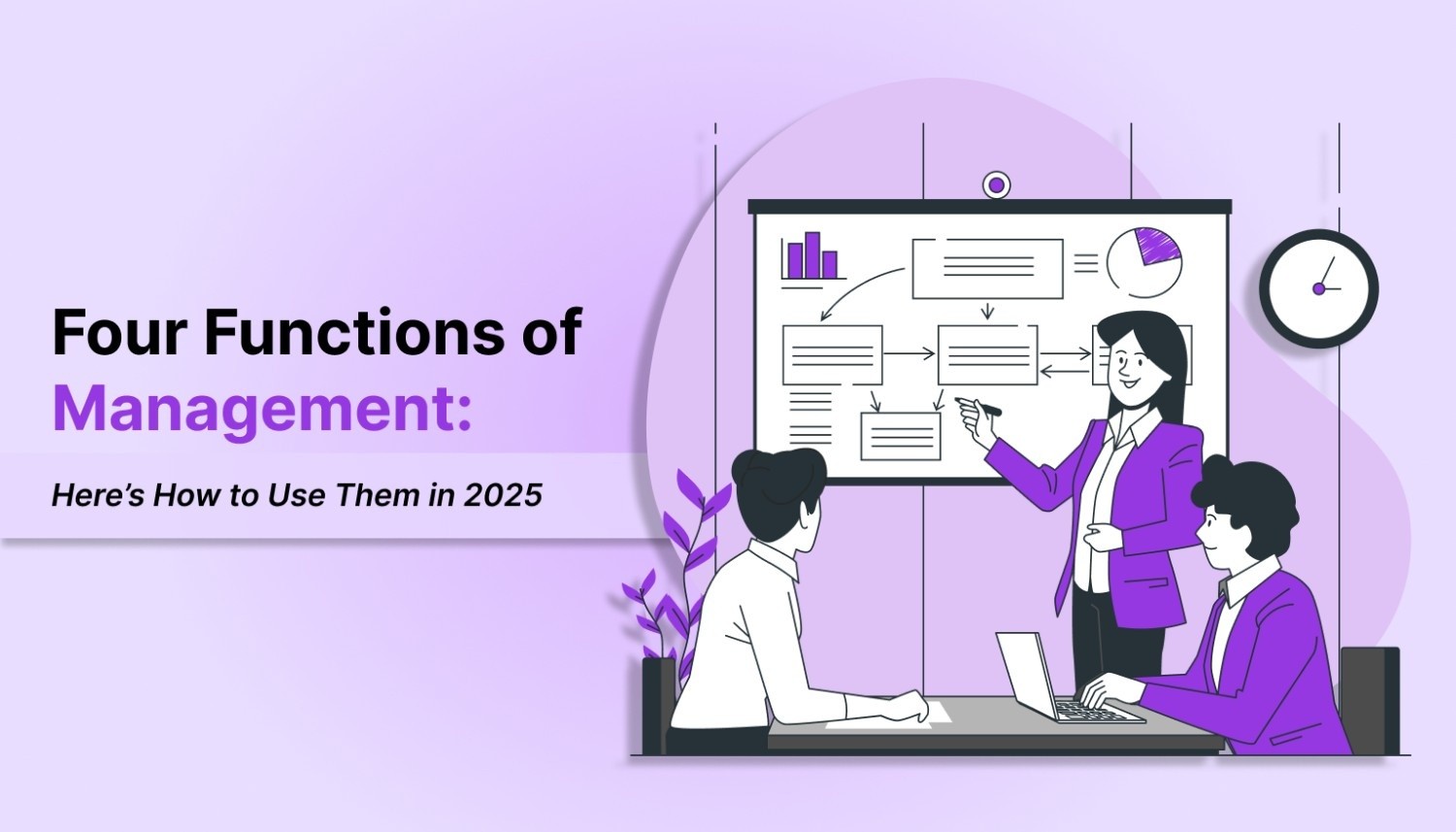
The four tasks of management still run modern work. Learn how smart teams plan, lead, and stay in control without burning out or losing focus.
Try Akiflow today and experience a smarter way to manage your tasks and meetings.
7 days free. Cancel anytime.