 Ellie
Apple Watch and iCloud comparison
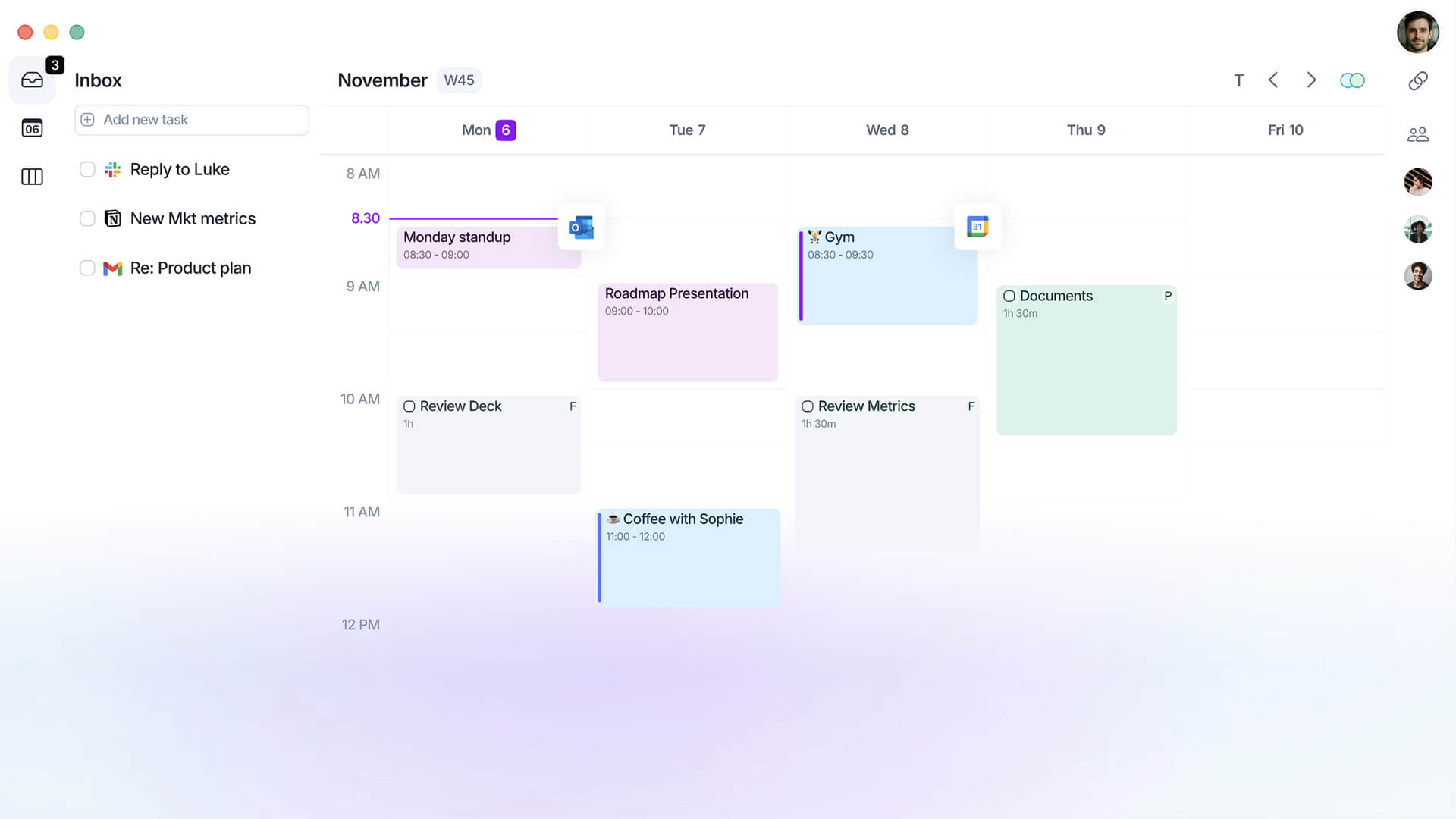
Compare the Apple workflow, not just an integration badge. A native Ellie Apple Watch app was not established in the official documentation reviewed. Do not infer it from iPhone availability. Ellie documents Apple Calendar through device calendars on iOS and an iCloud connection on web. Events can be moved or deleted, but other event editing is limited; two-way Apple Calendar task linking is not supported.
| Feature | Akiflow | Ellie Planner |
|---|---|---|
| Apple Watch | Native capture and completion | Not confirmed in reviewed docs |
| iCloud Calendar | Direct two-way event connection | Supported, with editing limits |
What should I check before switching?
A native Ellie Apple Watch app was not established in the official documentation reviewed. Do not infer it from iPhone availability. Ellie documents Apple Calendar through device calendars on iOS and an iCloud connection on web. Events can be moved or deleted, but other event editing is limited; two-way Apple Calendar task linking is not supported.
What are Akiflow's Apple setup limits?
The Watch companion captures and completes tasks and shows current/up-next information; it does not edit or reschedule tasks. It requires watchOS 10+ and a paired iPhone with Akiflow 2.83+. iCloud sync is periodic and covers calendar events, not Apple Reminders. Lock a task or Time Slot to publish it to an editable calendar.
Reviewed October 17, 2026. Unconfirmed means the official sources reviewed do not establish support; it does not prove that a feature is absent.
Official documentation: Ellie Planner documentation; Akiflow Apple Watch; Akiflow iCloud Calendar.








Trusted by 10.000+ of ambitious professionals to be more productive — from companies like