Your Executive Assistant beyond human limits
— Support with your Tasks and Calendars —

7 days free with Aki. Cancel anytime.
-
Proactive support
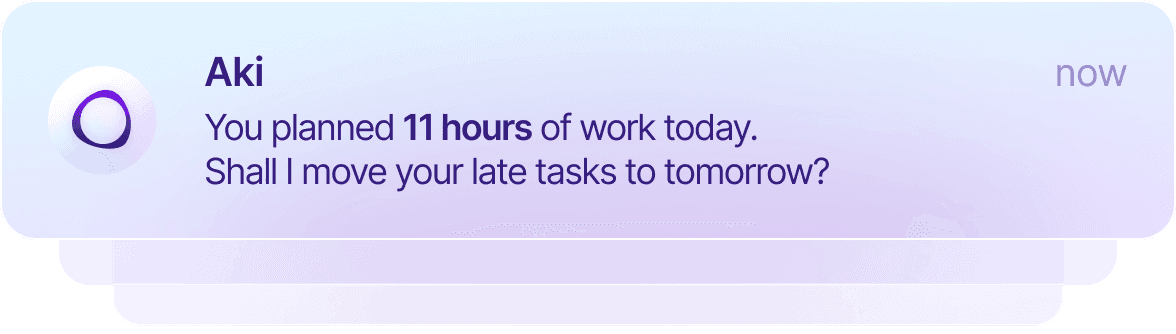
-
Real-time execution
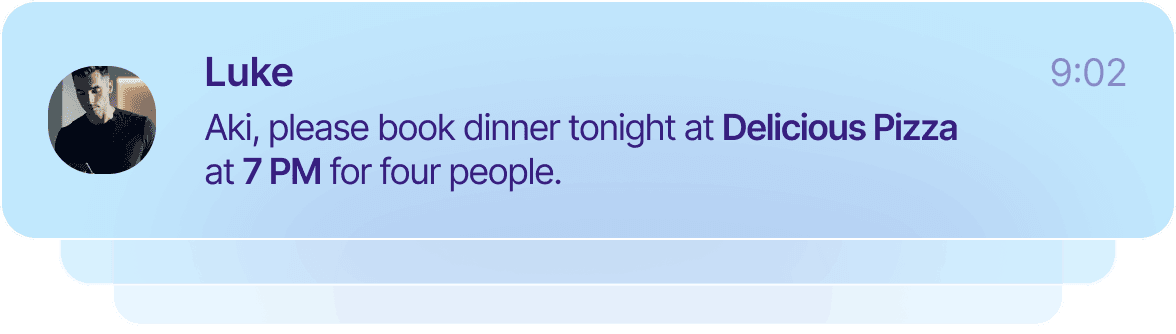
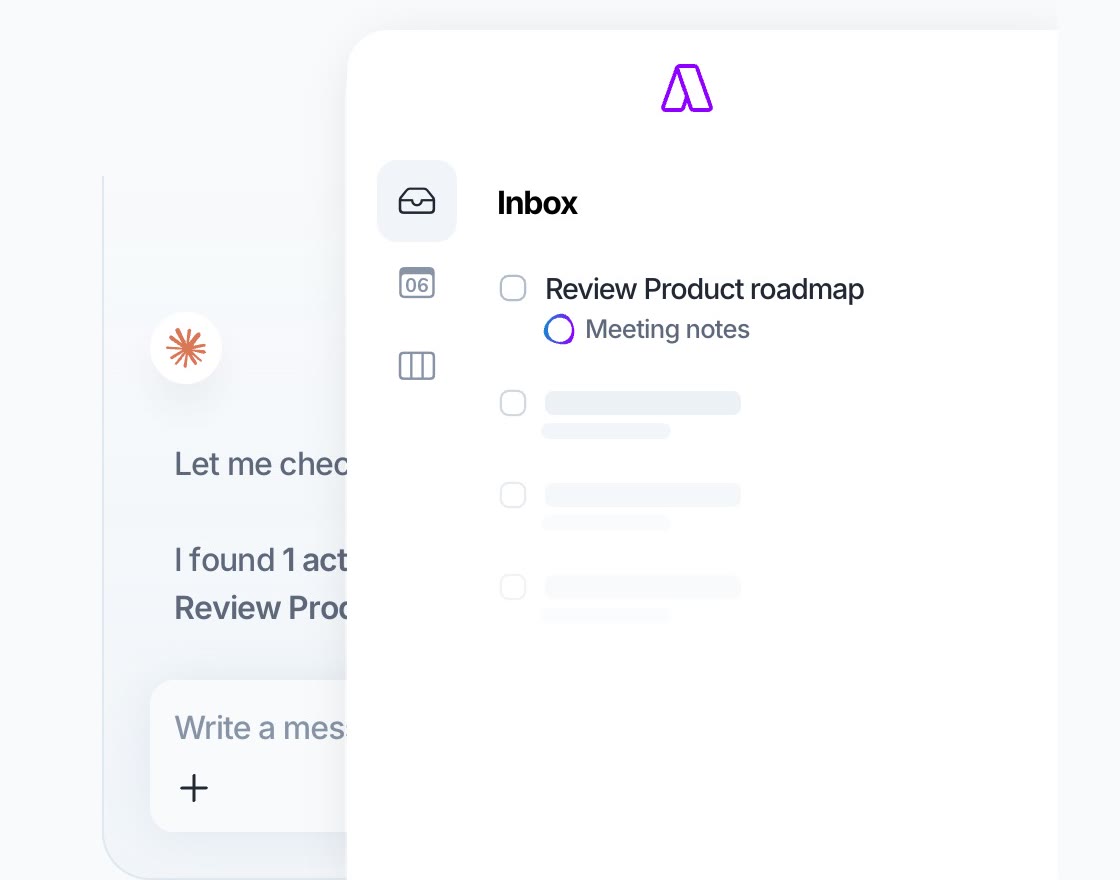
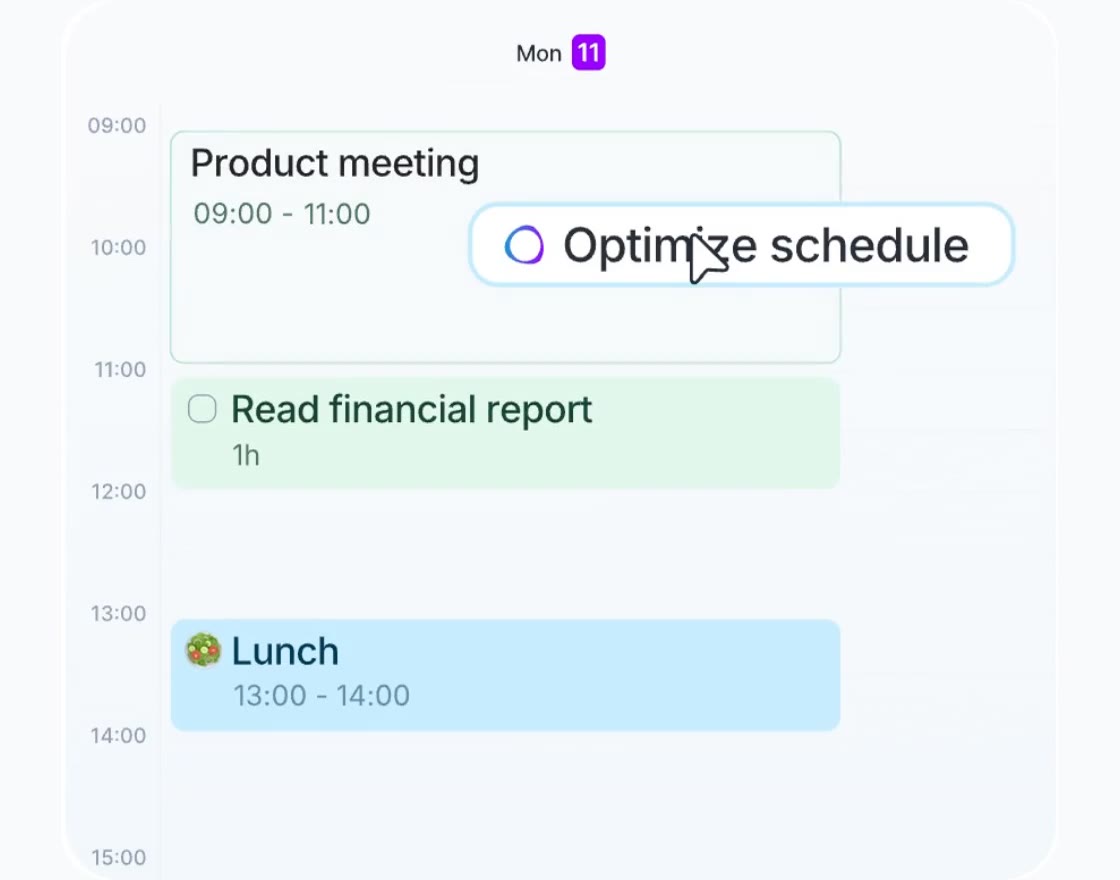
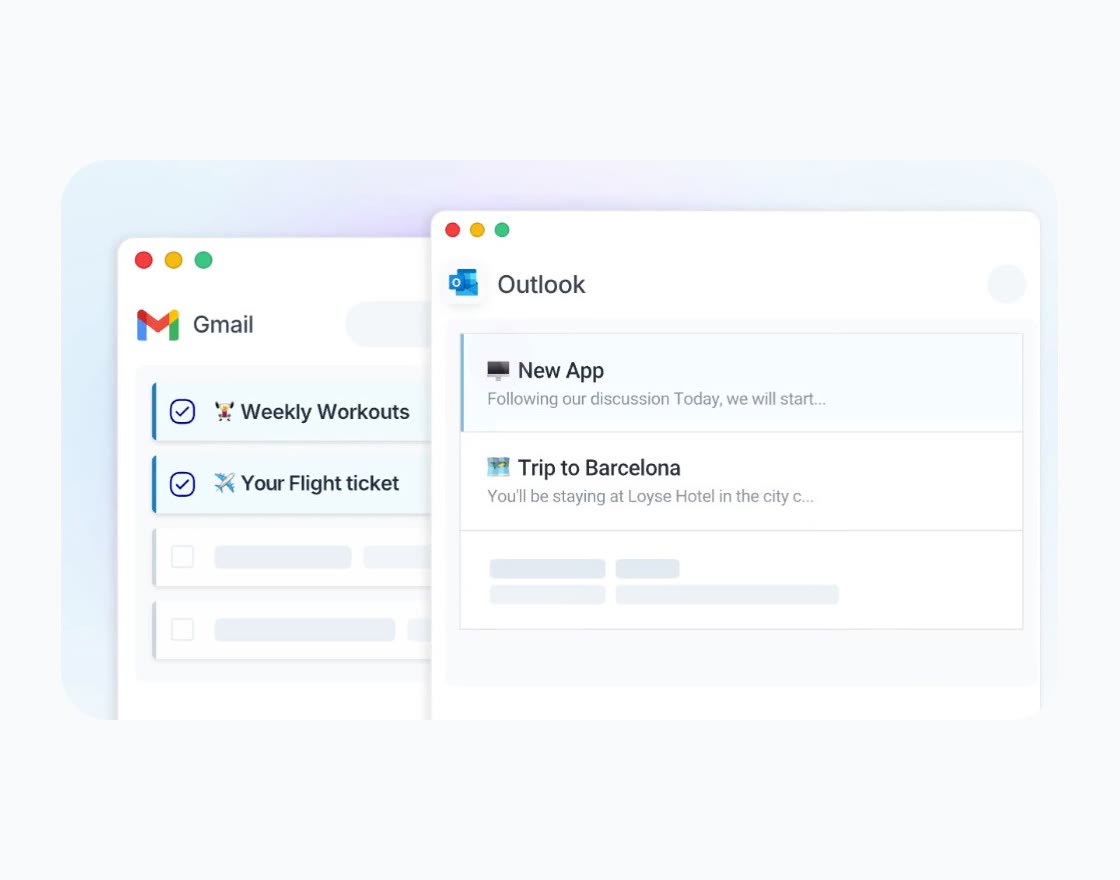
The first intelligence that unlocks multiple calendar management
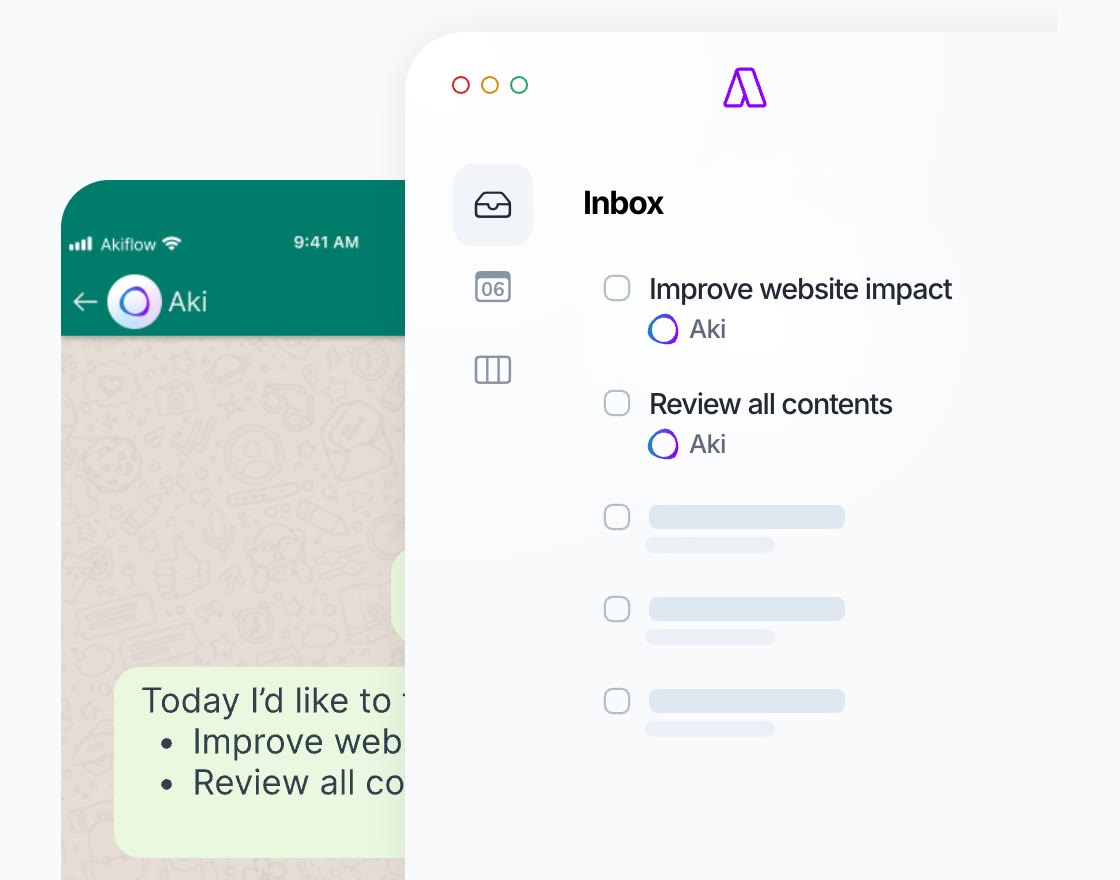
— Get tasks in Inbox and plan events in Calendar easily —
7 days free with Aki. Cancel anytime.
Share your workflows Aki will handle them all
— Delegate your processes with just a prompt —
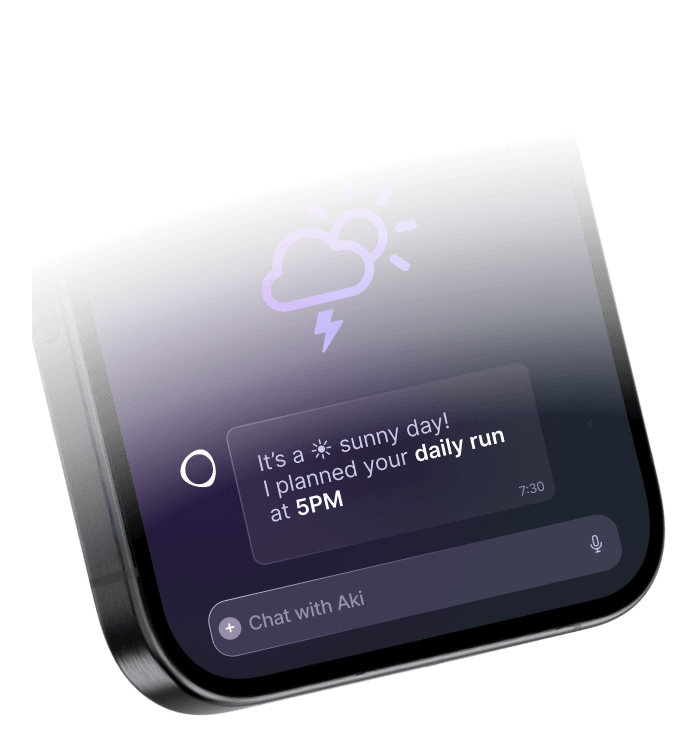
Plan a daily run
Check the weather every morning at 7:30 AM. If it doesn’t rain, lock 1 hour for my daily run
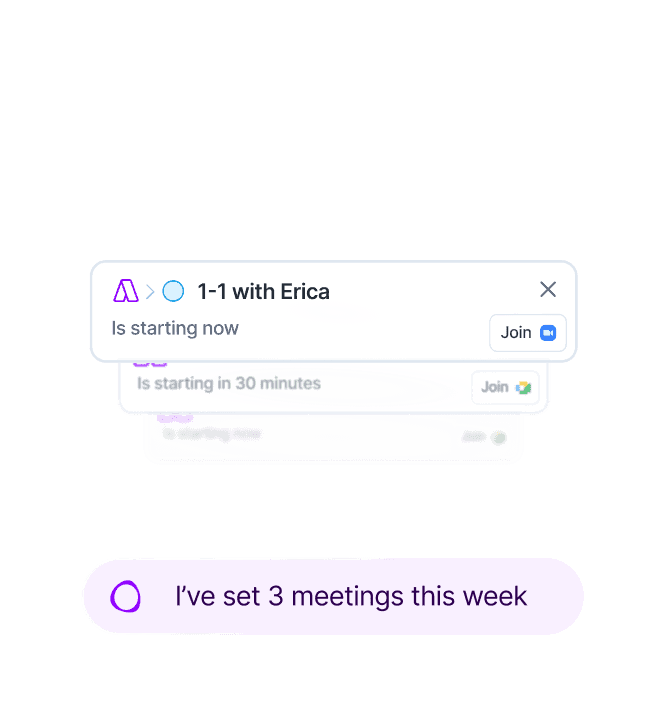
Team 1-1 Scheduler
Every week, plan 1-1 calls with 3 members of my team I haven't connected with in the past two months.
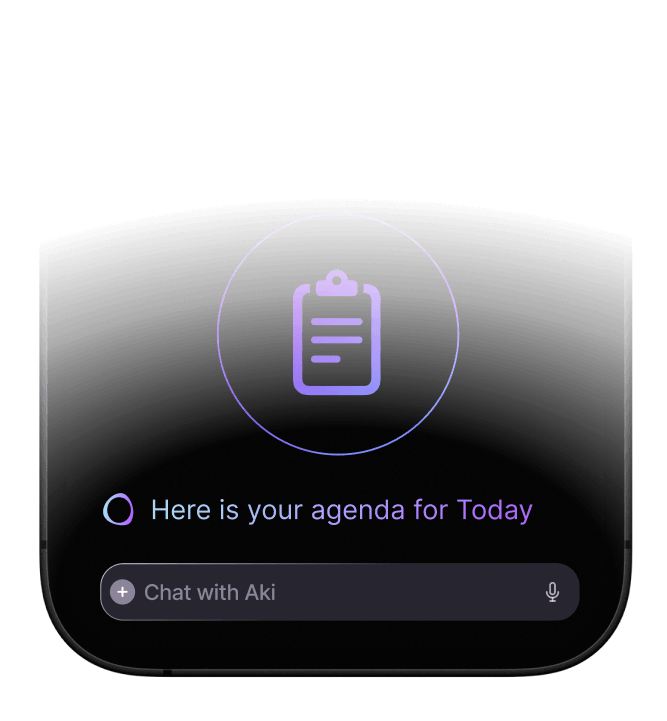
Daily Brief
Every morning at 8am, send me an overview of my day, with a focus on external meetings and high priority tasks
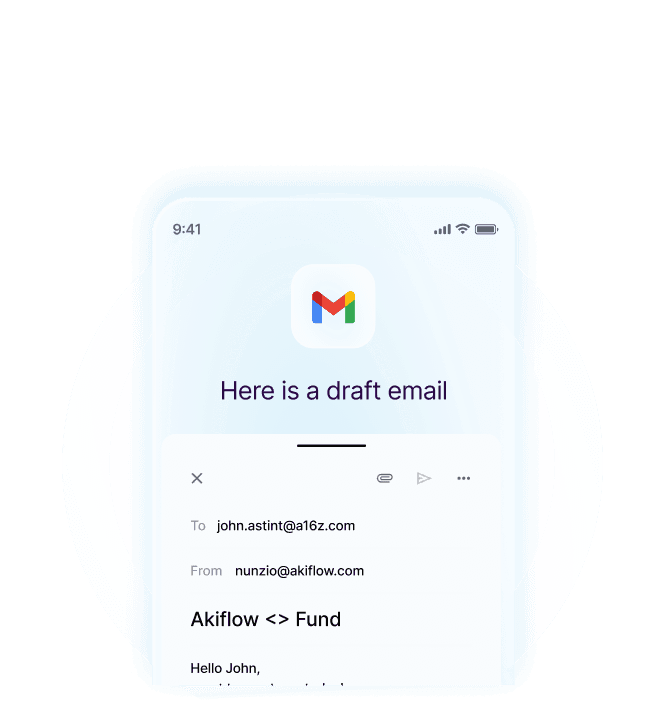
Meeting Followups
After every meeting with an investor, draft a thank you email
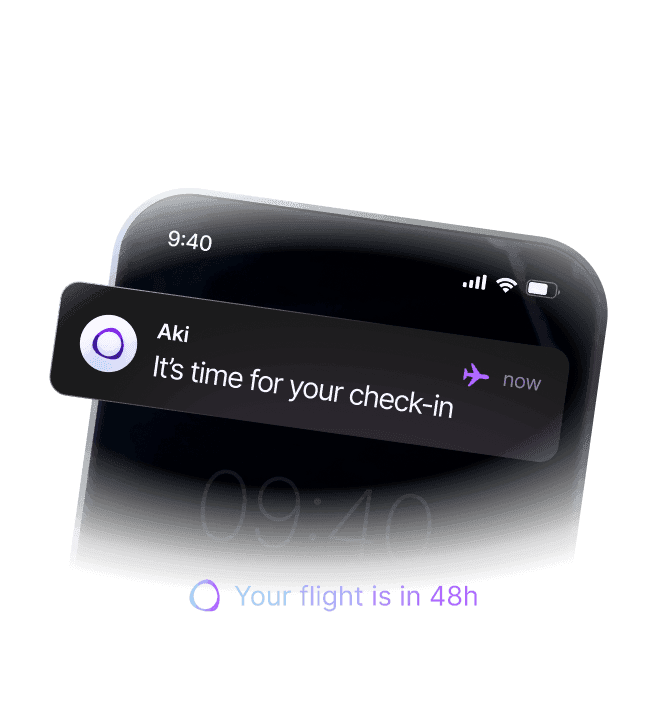
Travel Manager
Every time a new flight is added to my calendar, create a reminder to check-in 48h before the flight
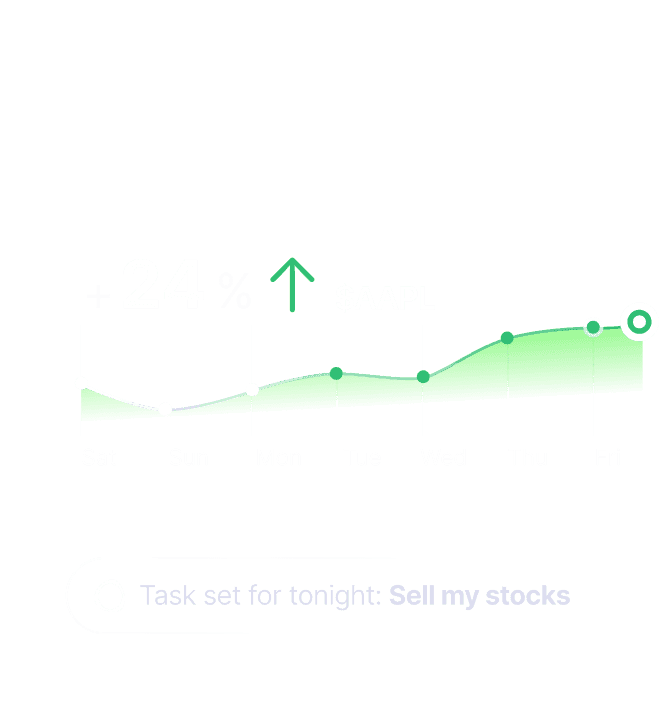
Stock Tracker
Every morning, check $AAPL, $NVDA, and $META and send me an update
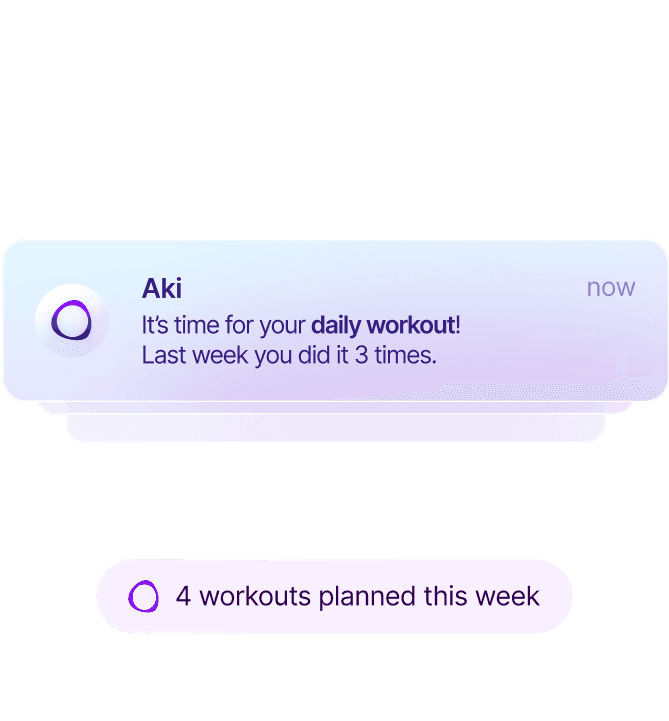
Fitness Coach
Every Monday, add 4 workouts to my weekly plan, ideally around 6pm. Also, tell me how many times I trained the previous week
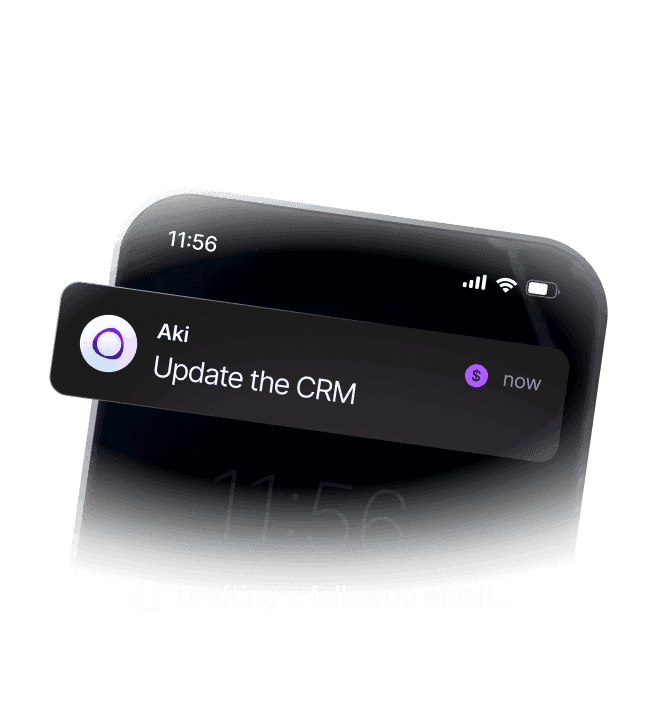
Sales Ops
After a Sales Meeting, remind me to update the CRM and draft a followup email
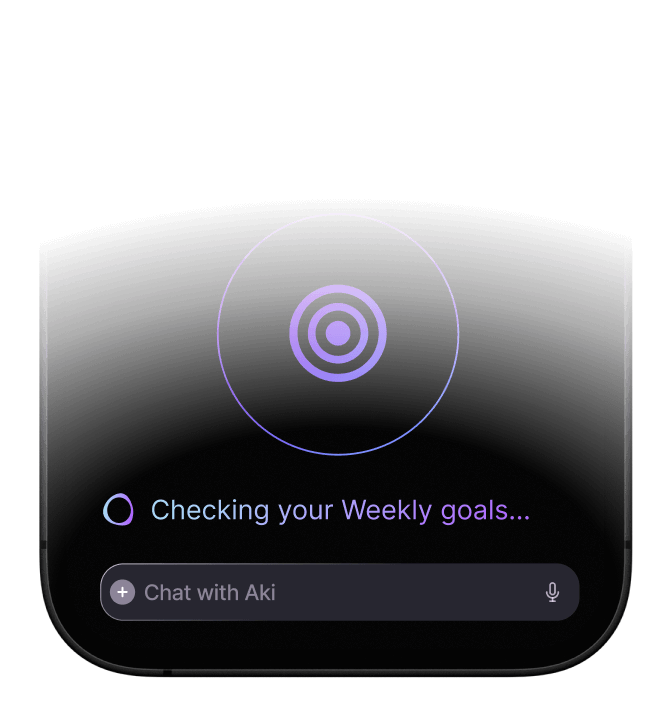
Goals Tracker
Every morning, check if my plan reflects my weekly goals. Also check the rest of the week
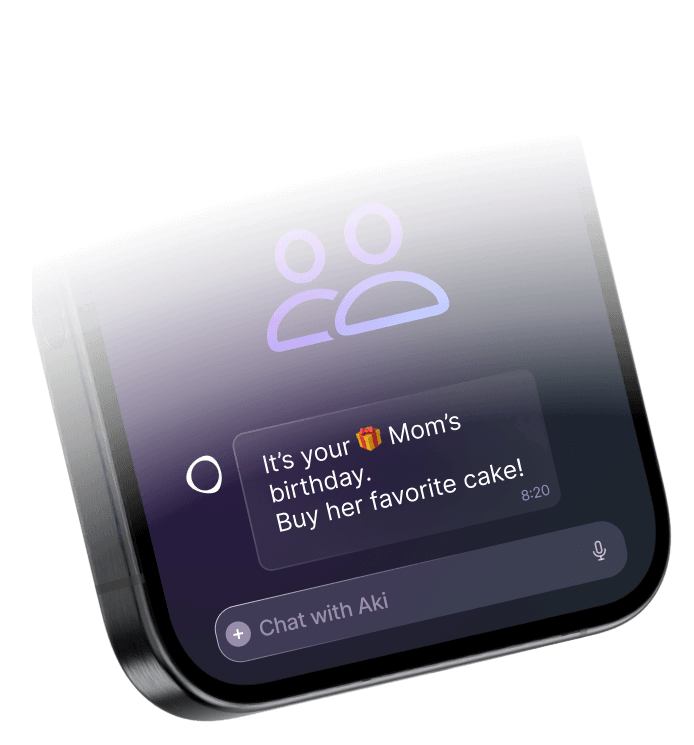
Birthdays Reminder
Every month, remind me about birthdays of my friends and family and suggest a gift
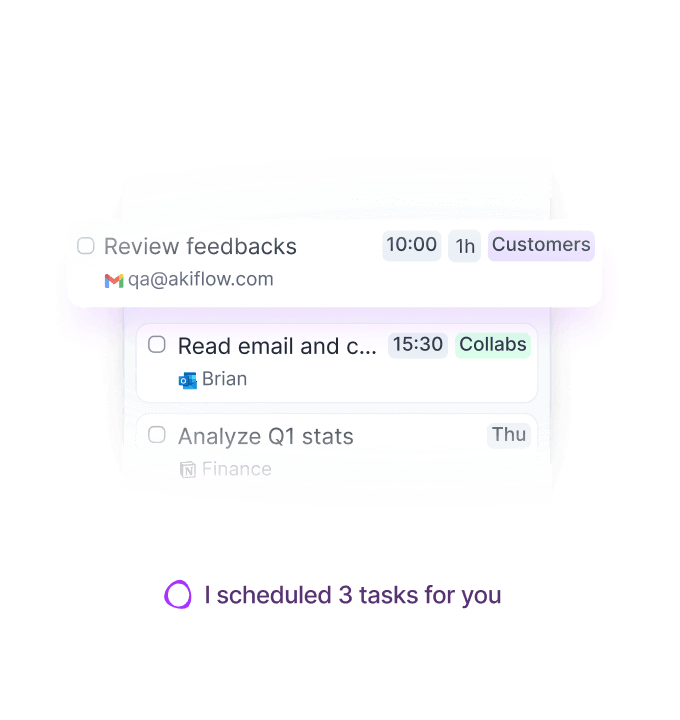
Task manager
Every evening, check my tasks. If a task has been sitting in Inbox for more than 2 days, suggest scheduling it
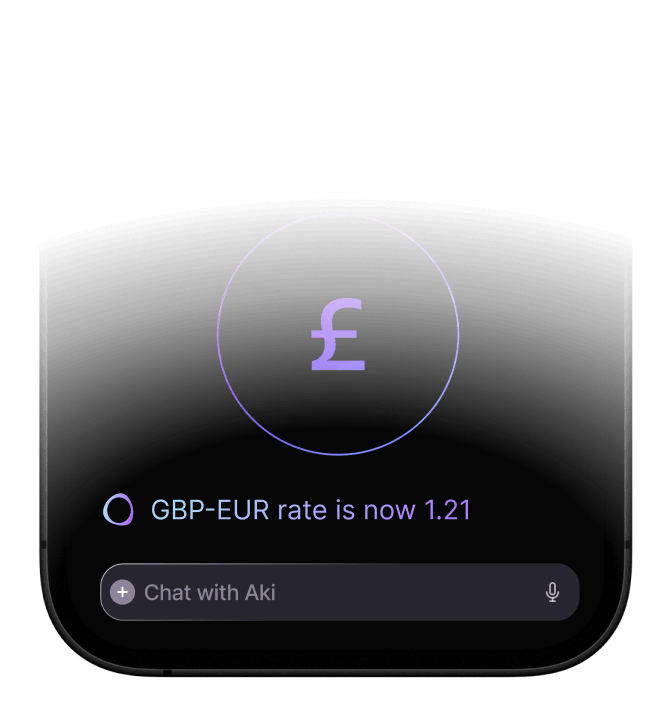
Currency converter
Every morning, check the exchange rate for EUR, USD, and GBP and send me an update
7 days free with Aki. Cancel anytime.
Try Aki now
Meet your AI Executive Assistant today
7 days free with Aki. Cancel anytime.
F.A.Q.
What is Aki?
Aki is your personal assistant built into Akiflow. It helps you manage your tasks, calendar, and routines—so you can focus on what matters most.
Think of it as your always-on planning partner: proactive, fast, and always learning from you.
How do I use Aki?
Just talk to Aki like you would to a real assistant:
- 💬 Type or voice message in 50+ languages
- 📲 Ask questions, give commands, or brainstorm ideas
- ⚡ Rate replies to improve accuracy
Examples:
- “Aki, plan my week and show me my top priorities.”
- “When is David free for a call this week?”
- “Remind me to check the weather every morning at 7.”
What can I do?
Aki takes care of:
- ✔️ Creating & editing tasks
- 📅 Scheduling events
- 🔄 Planning your day or week
- 📥 Reviewing your Inbox
- ✅ Marking tasks done
- 👀 Checking your schedule & availability
- 🌤️ Giving weather updates
- 💱 Handling currency conversions
- 💡 Helping you brainstorm & stay inspired
- 🧠 Remembering what matters to you
- 🤖 Setting up automations and workflows
Need ideas? Just ask:
“What can you do for me today, Aki?”
How does automation work with Aki?
Aki helps you automate recurring actions, like:
- Daily weather checks + planning activities
- Weekly reviews or task cleanups
- Recurring reminders (“Invest every 5th of the month at 10am”)
Coming soon:
- Trigger-based automations, like: “After every meeting with a client, remind me to write a recap.”
- To review your current automations, say: “Aki, show me my automations.”
7 days free with Aki. Cancel anytime.